Six short games for primary learners. Every question is made on the phone from fixed word lists and simple maths rules, so the games work offline and never use AI. When a game is sent in for Sparks, the server checks every answer again with the same rules.
Every game has the same four screens
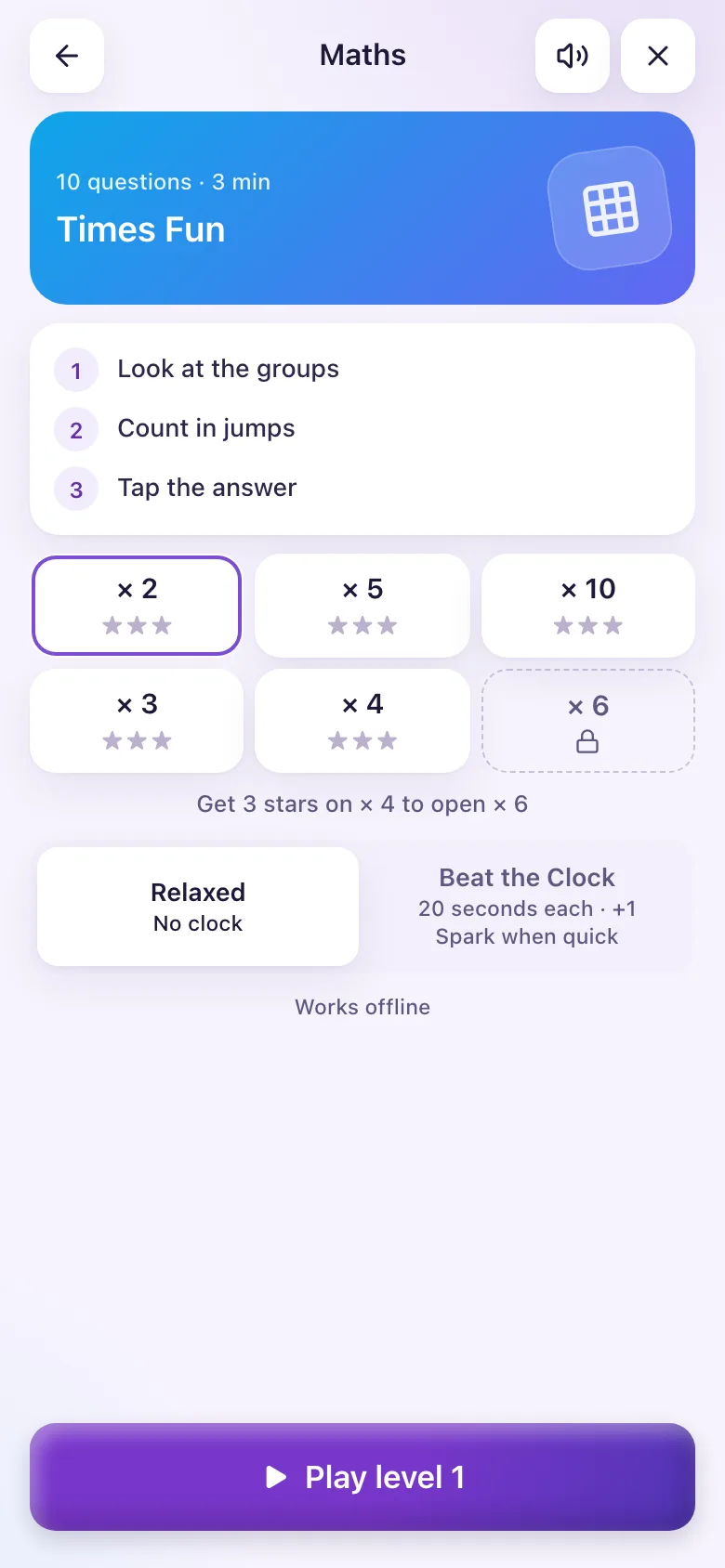
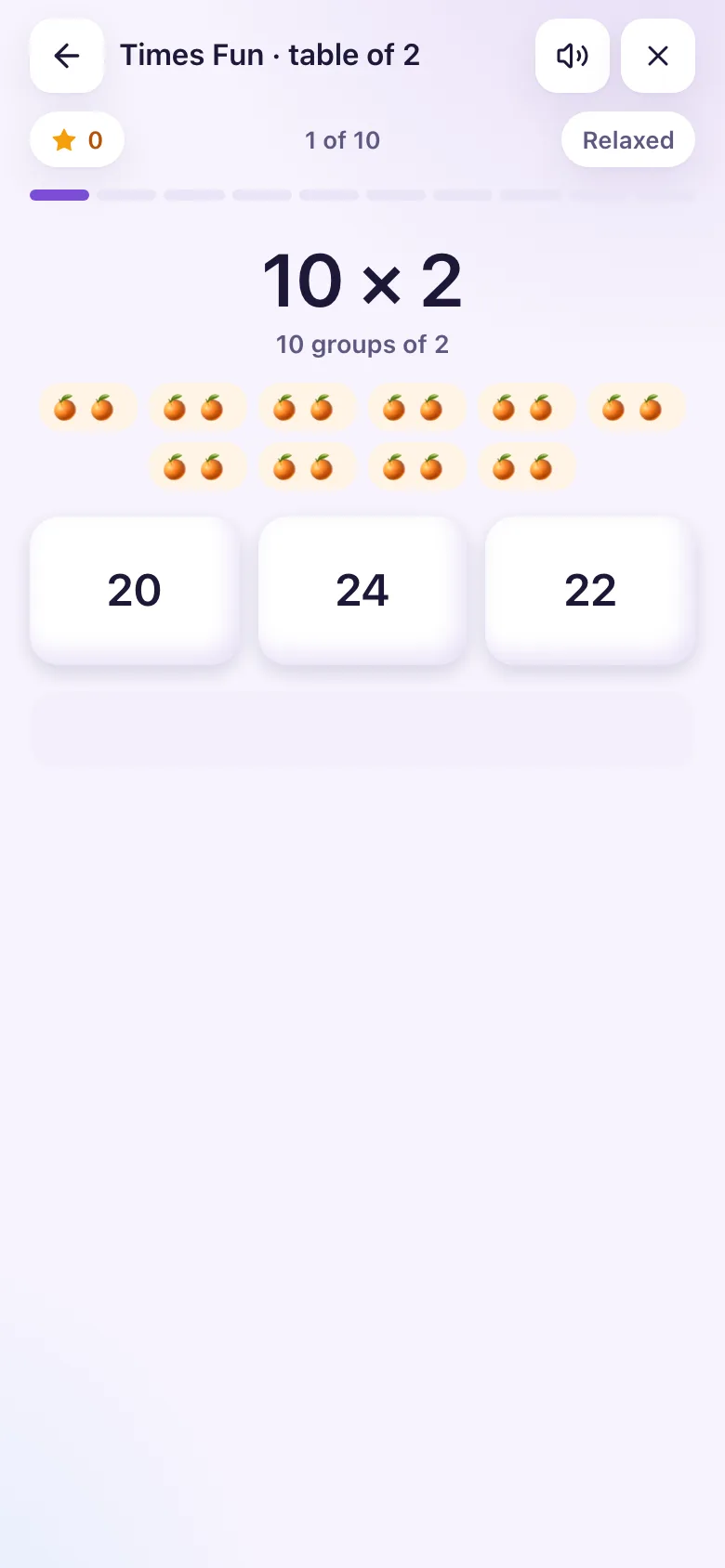
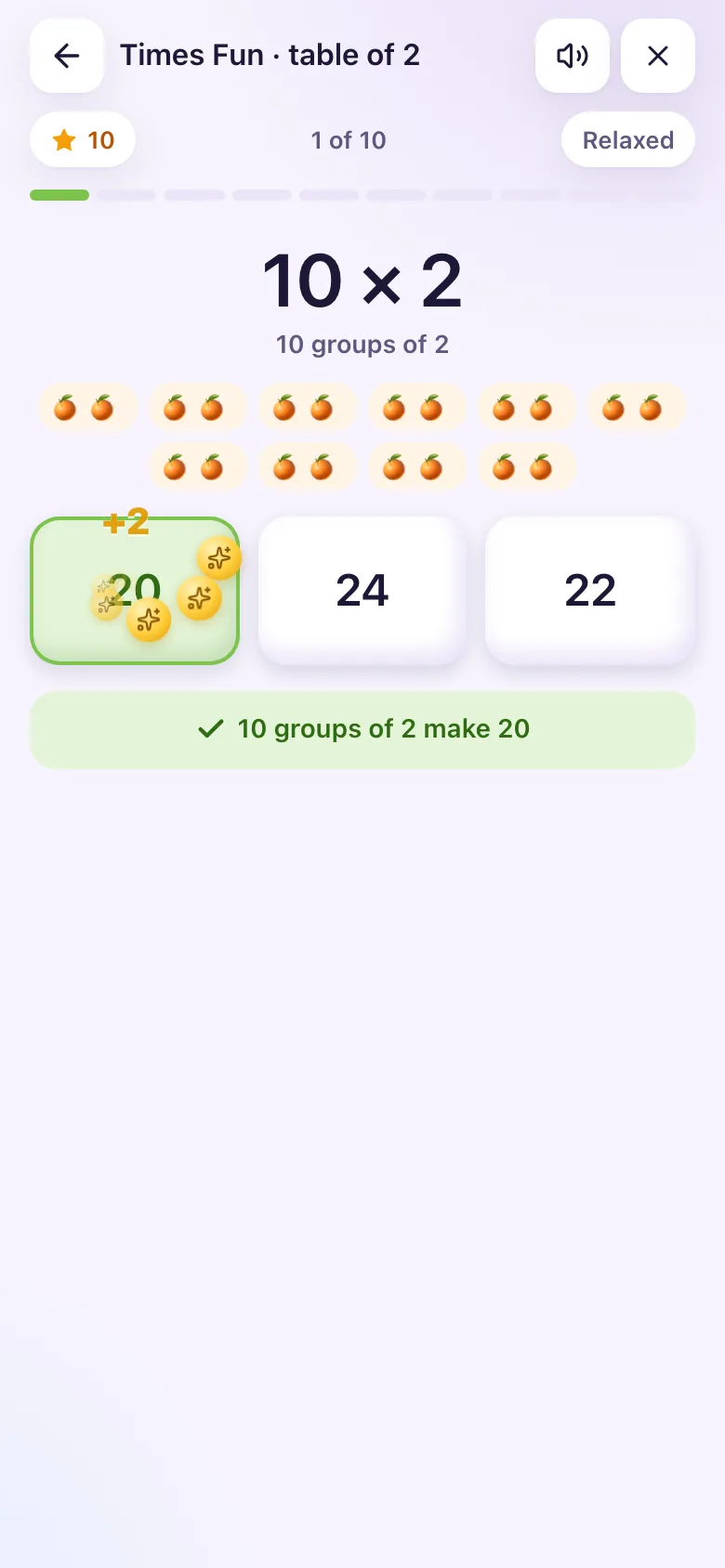
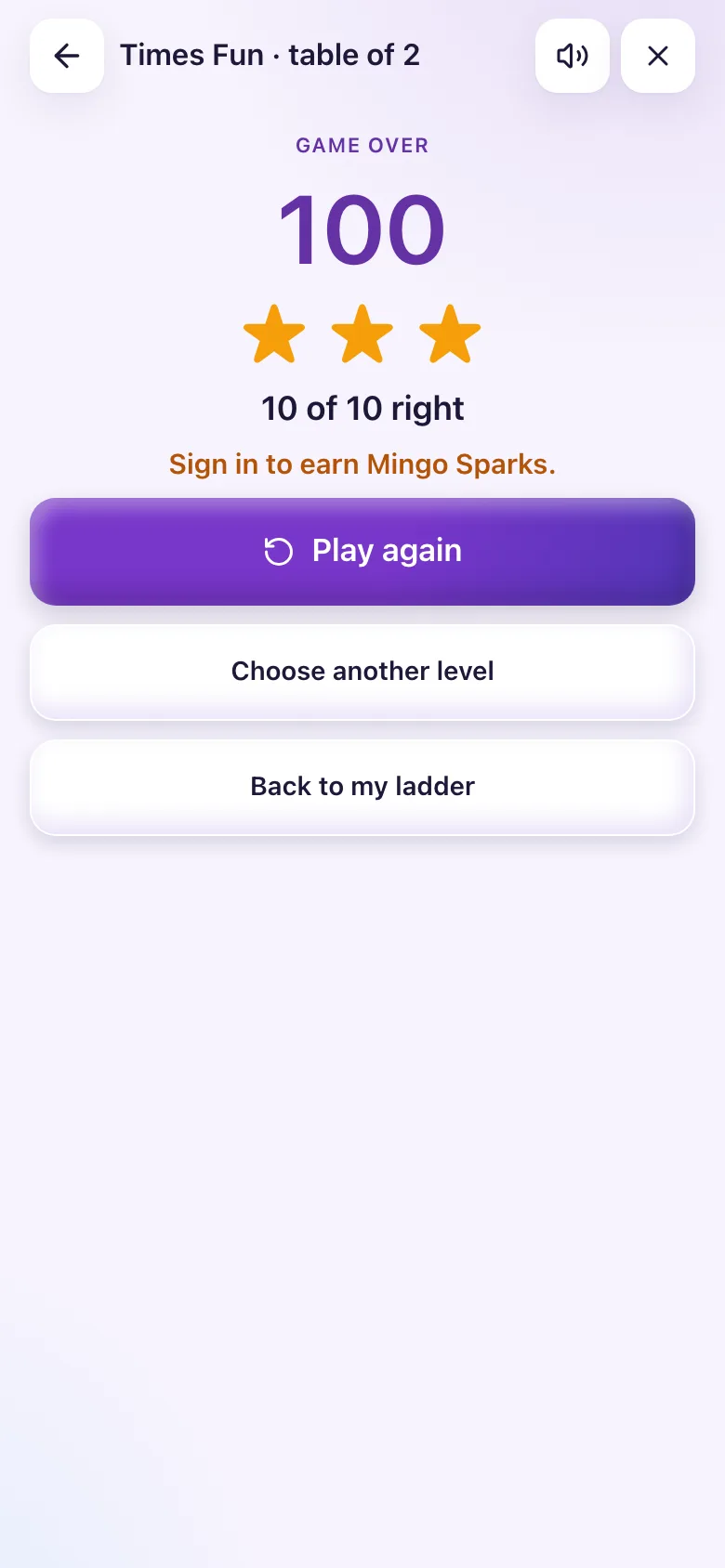
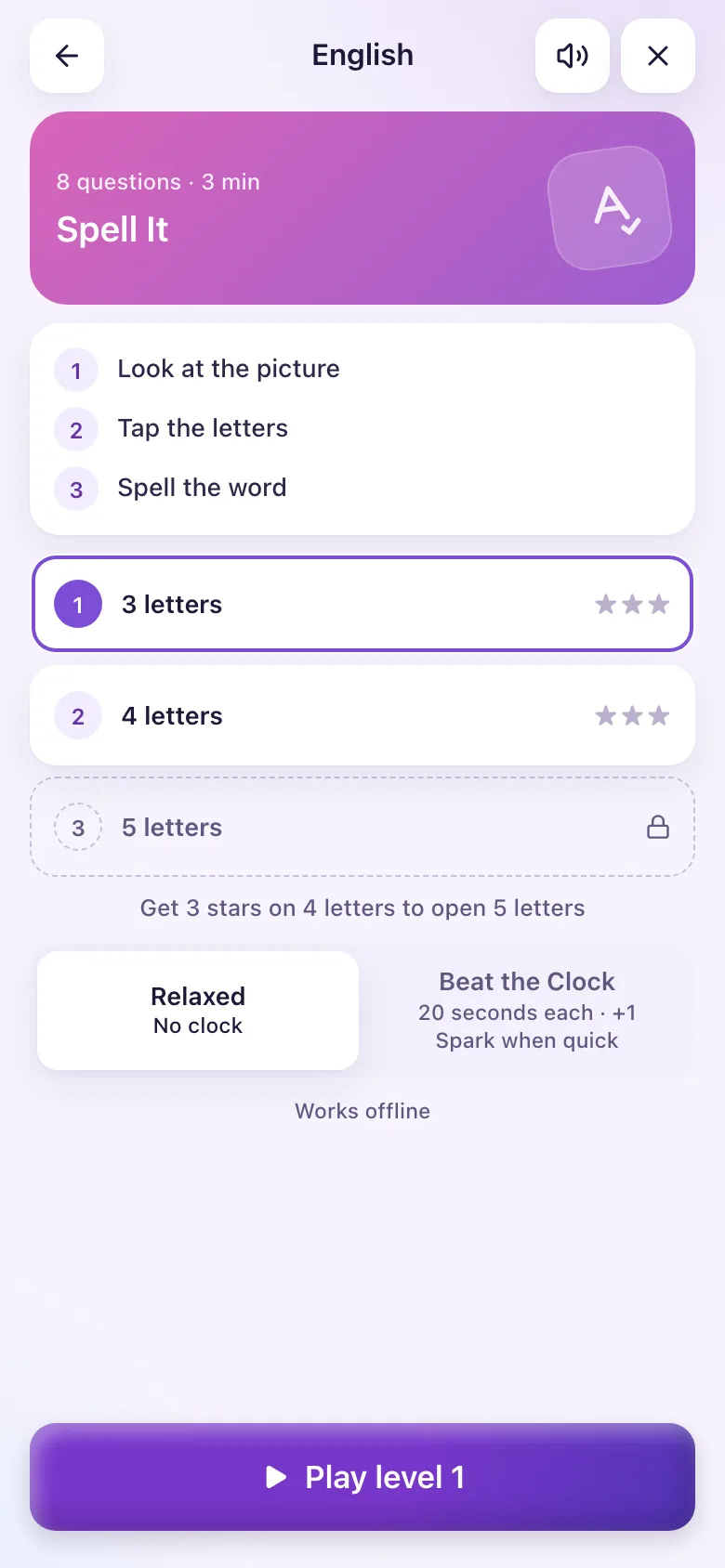
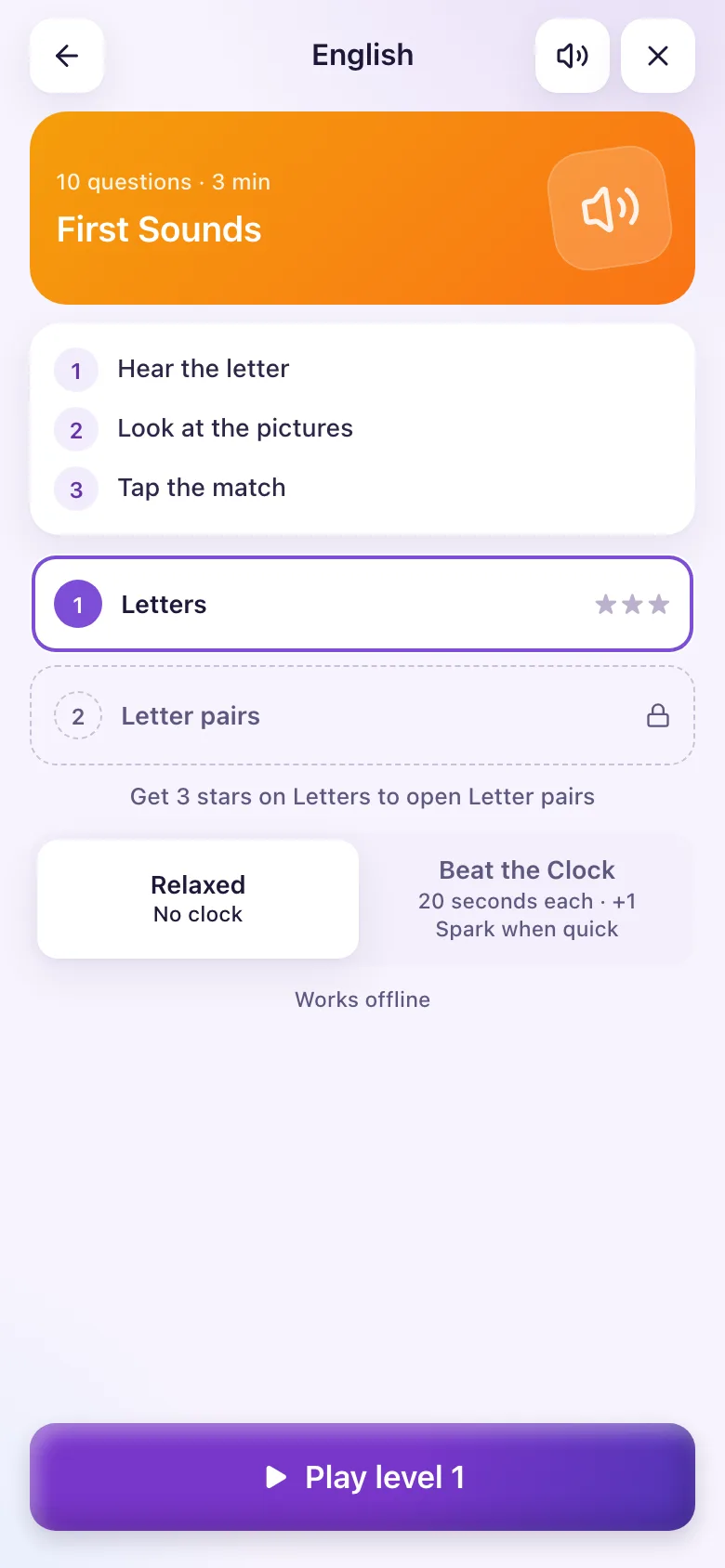
Choosing a pace
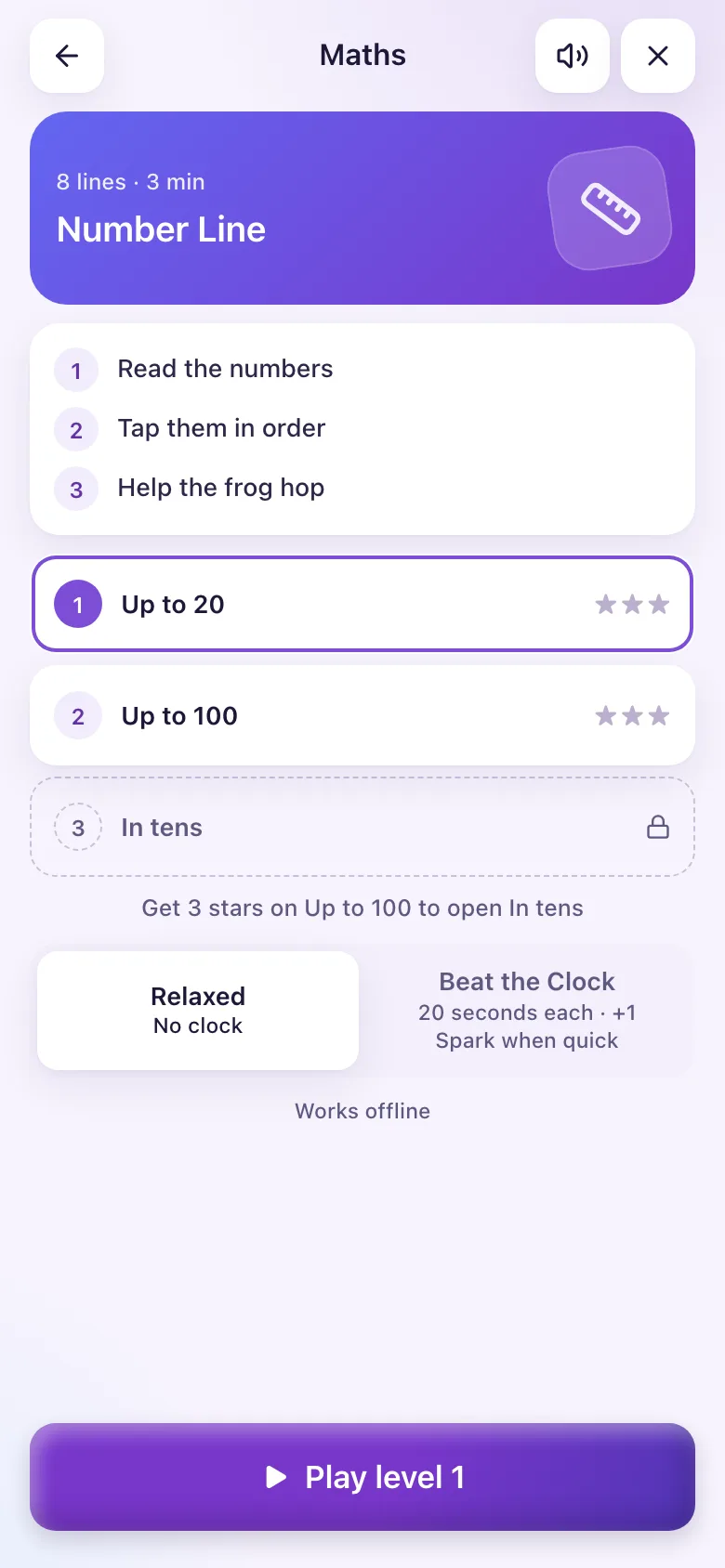
Before each game you pick:
| Pace | What happens |
|---|---|
| Relaxed | No clock. (This is the starting choice for Basic 1 to 3.) |
| Beat the Clock | A clock on each question: 20 s for Basic 1 to 3; for Basic 4 and up, 15 s in Spell It and Number Line and 10 s in the other games. A quick right answer earns +1 Spark. |
Times Pop is different: it is always one timed round of 60 seconds (90 seconds for Basic 1 to 3).
Levels and how to open new ones
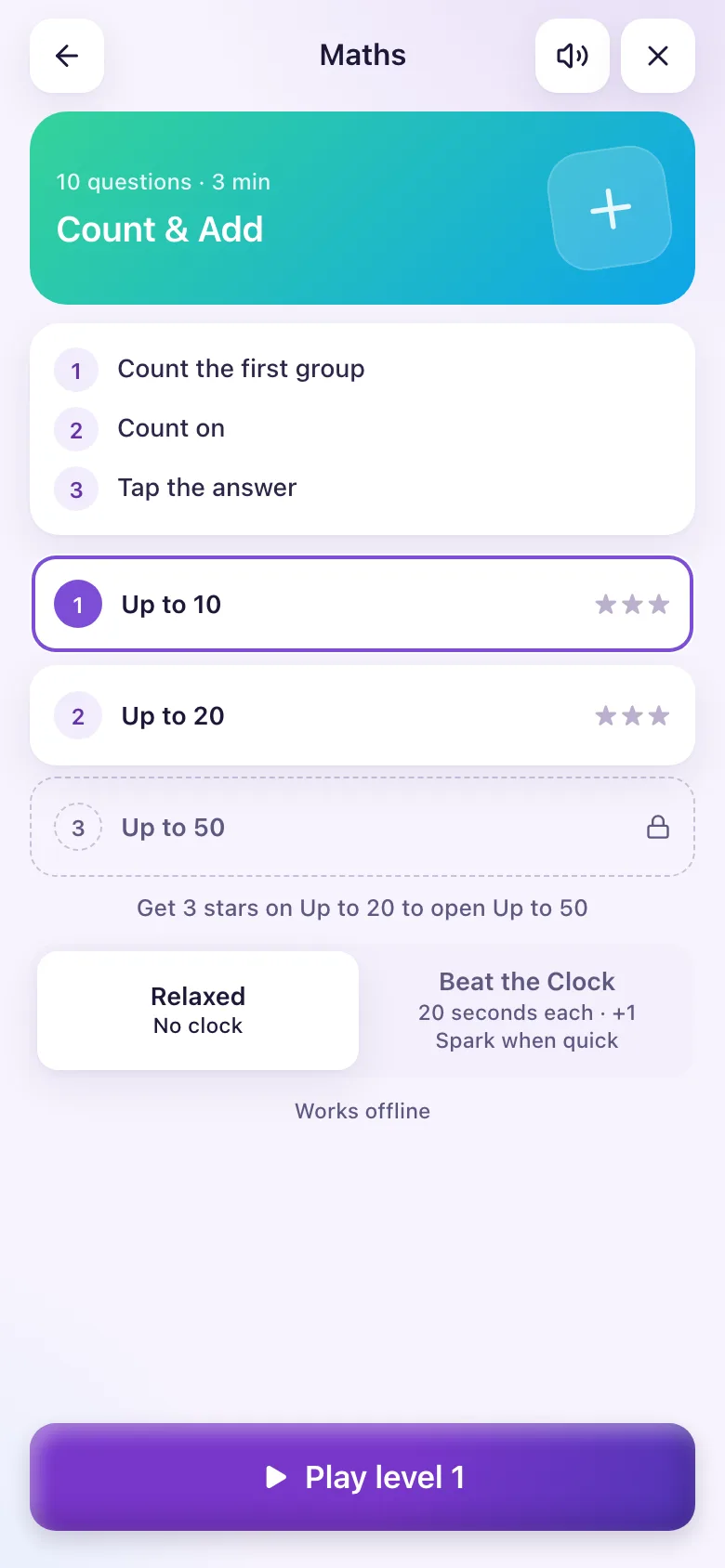
Each class starts with its own set of levels. Score 3 stars on your highest open level and the next level opens. The game starts you on the first level you have not yet won with 3 stars.
Tricky practice: questions you got wrong or answered slowly come back in later games (up to 3 a game). The Practise tricky ones button plays only those, up to 10.
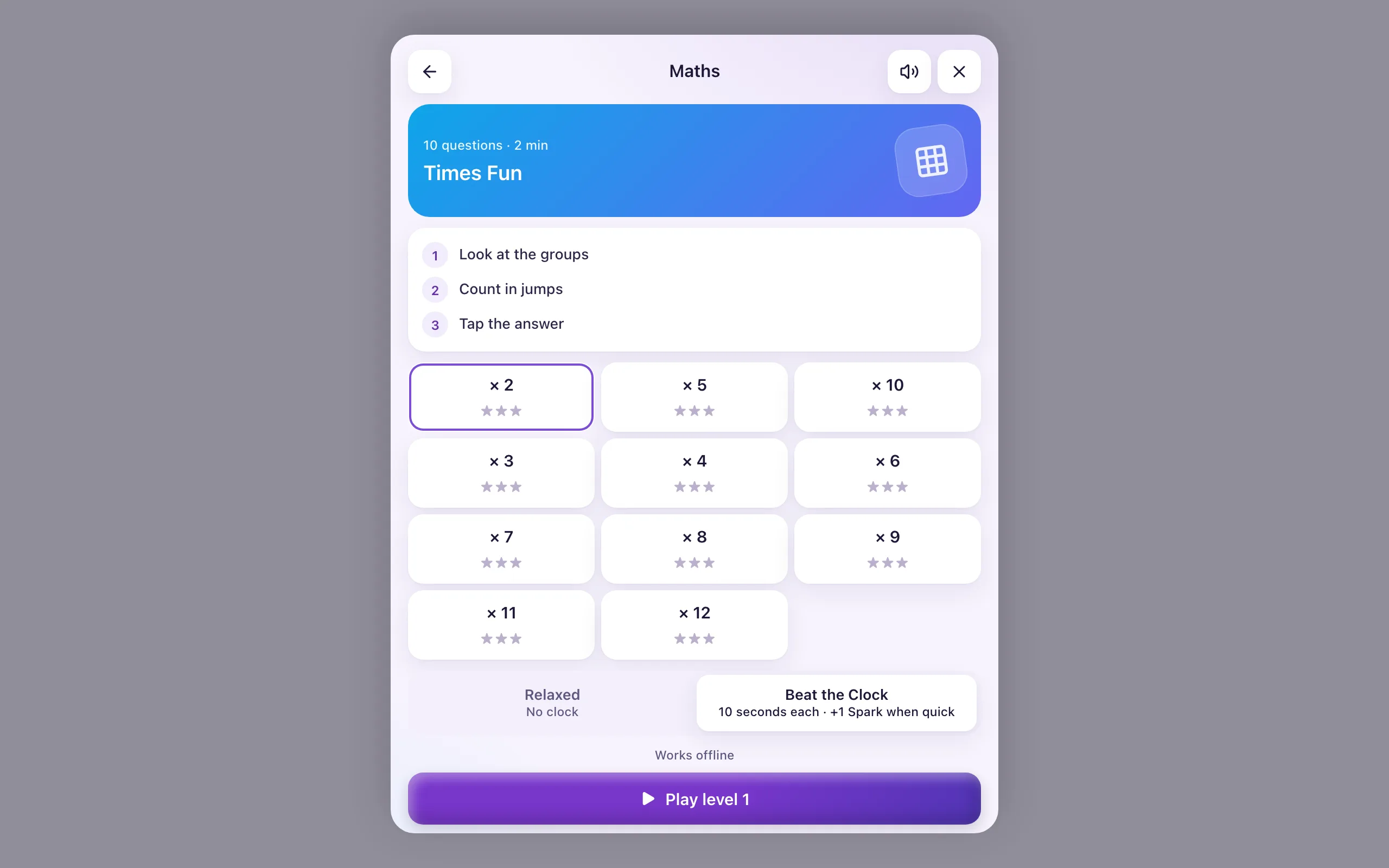
Times Fun
- Pick a times table (the level).
- A sum appears, such as 3 × 4, with the groups drawn above it.
- Tap the right answer.
- A one-line hint follows, such as "Count in 4s: 4, 8, 12".
- 10 questions a game.
| Class | Tables open at the start |
|---|---|
| Basic 1 | 2, 5, 10 |
| Basic 2 | 2, 3, 4, 5, 10 |
| Basic 3 | 2 to 10 |
| Basic 4 to 6 | 2 to 12 |
Tables open in this order: 2, 5, 10, 3, 4, 6, 7, 8, 9, 11, 12.
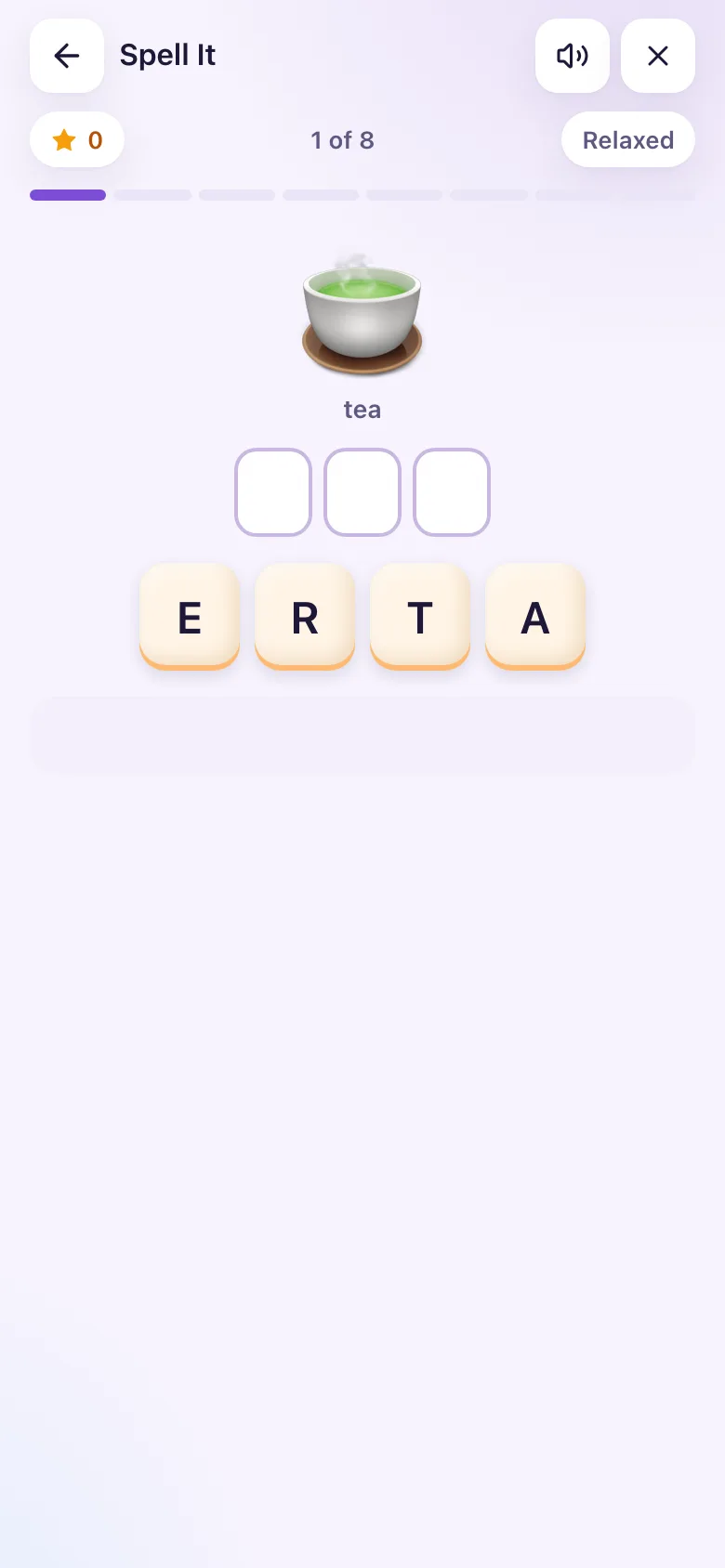
Spell It
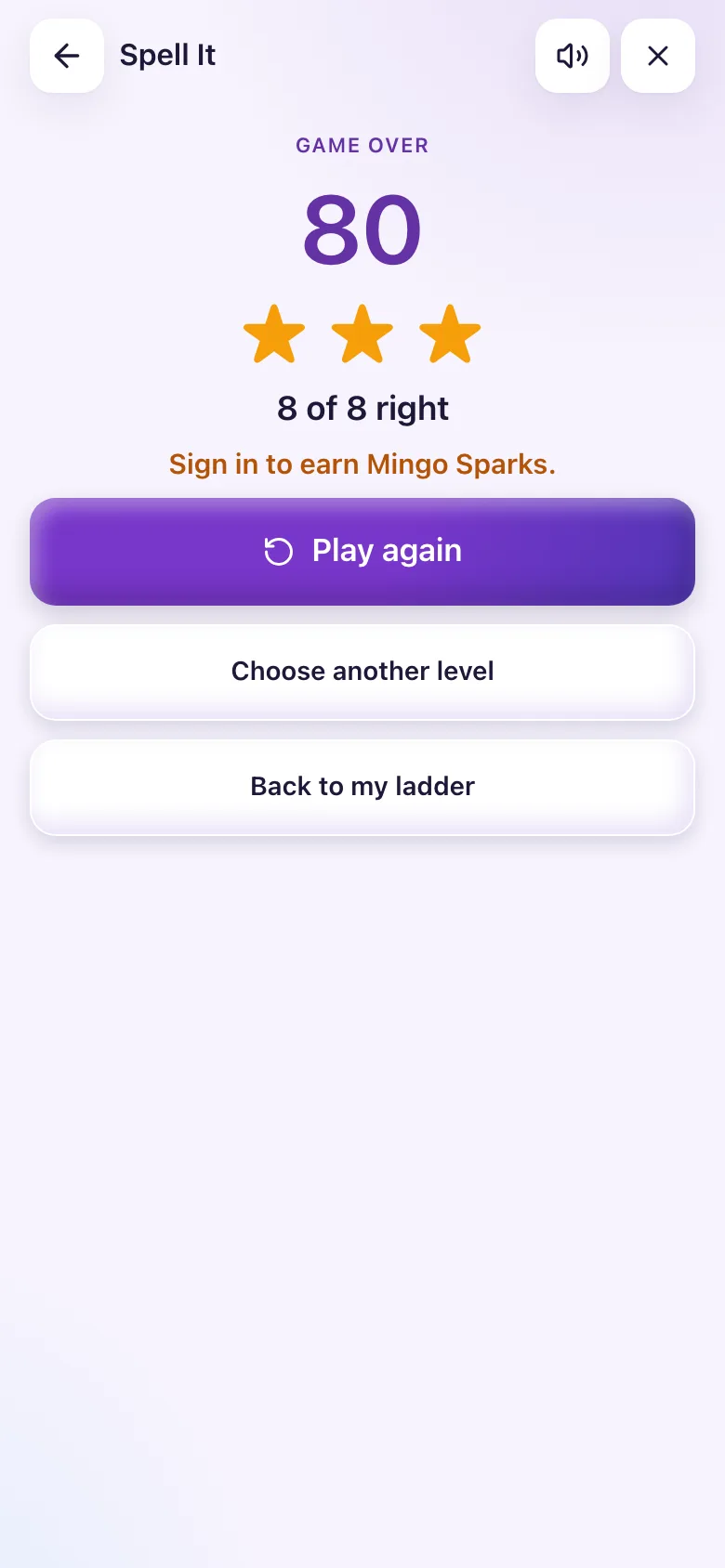
- A picture appears with its word. Longer words are shown for a moment, then hidden: look, cover, spell, check.
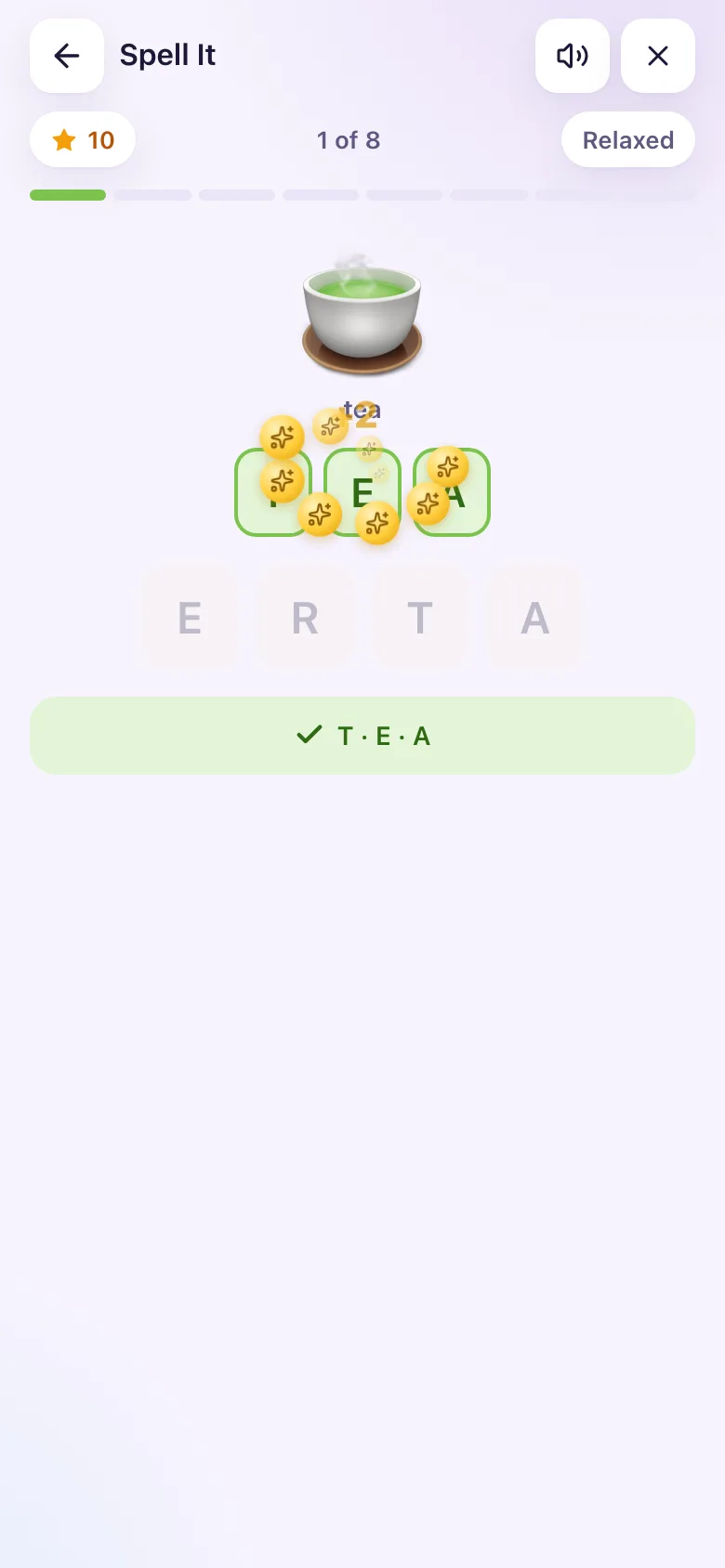
- Tap the letter tiles in the right order (there is one spare letter to make you think).
- After 2 wrong taps, the next right letter glows, so nobody is ever stuck.
- 8 words a game.
| Class | Word lengths (levels) |
|---|---|
| Basic 1 | 3 letters |
| Basic 2 | 3 and 4 |
| Basic 3 | 4 and 5 |
| Basic 4 | 5 and 6 |
| Basic 5 | 6 and 7 |
| Basic 6 | 7 and 8 |
First Sounds
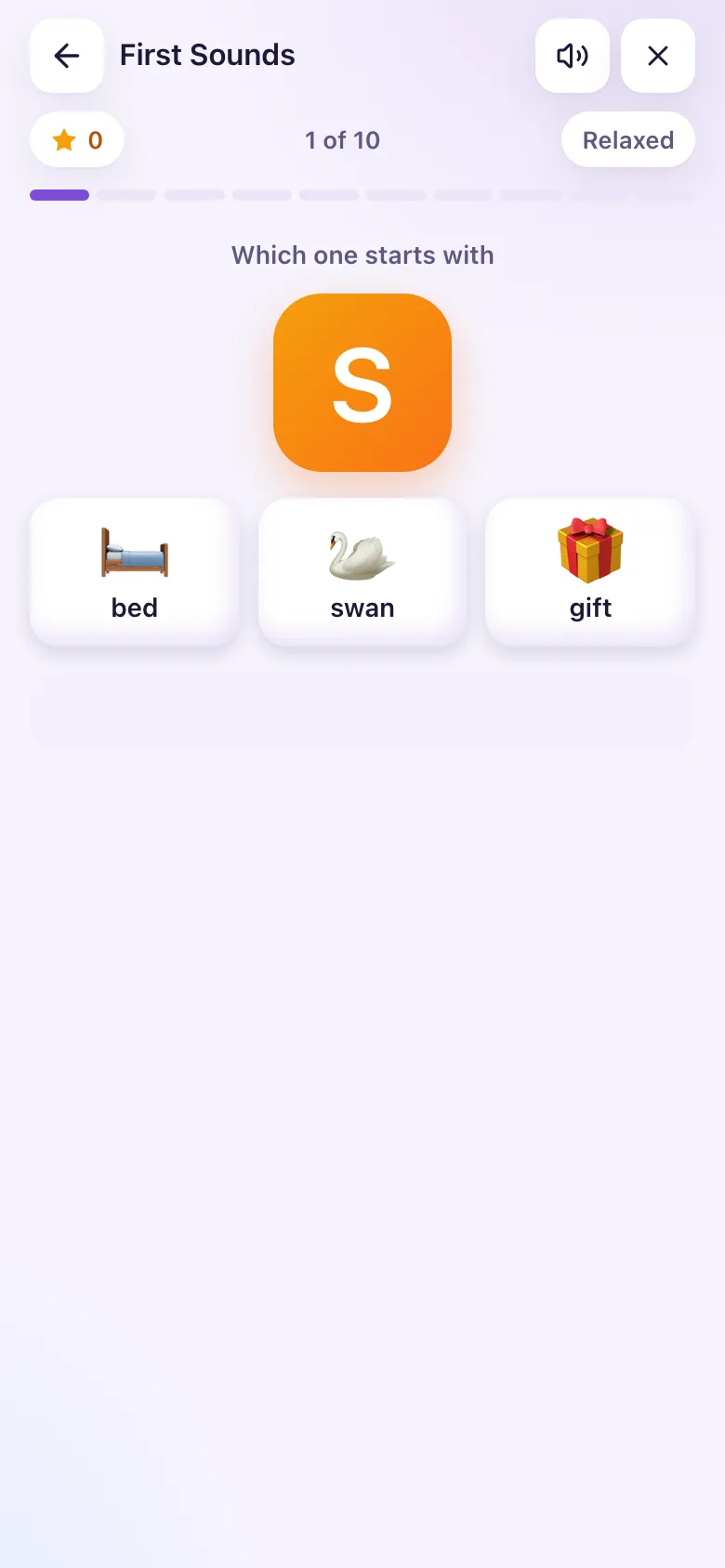
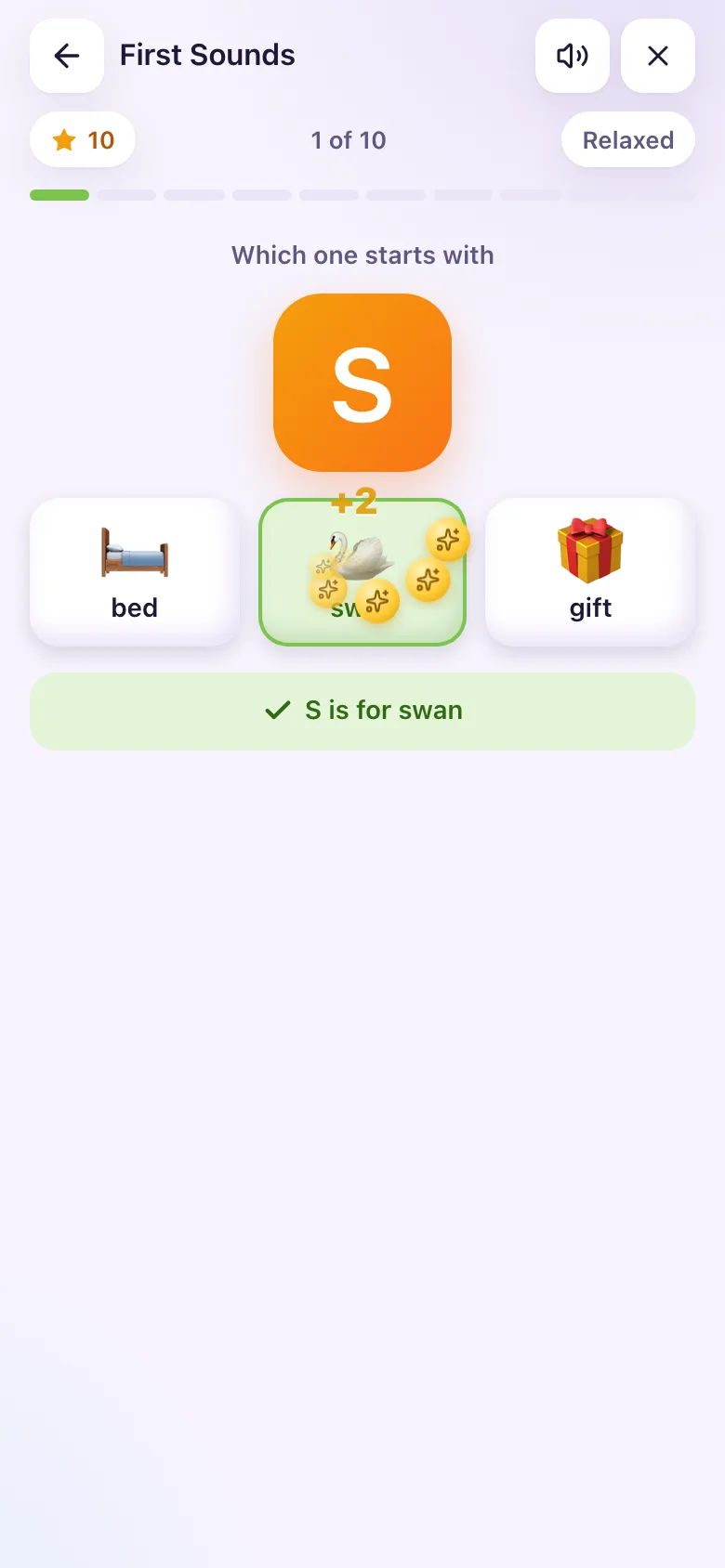
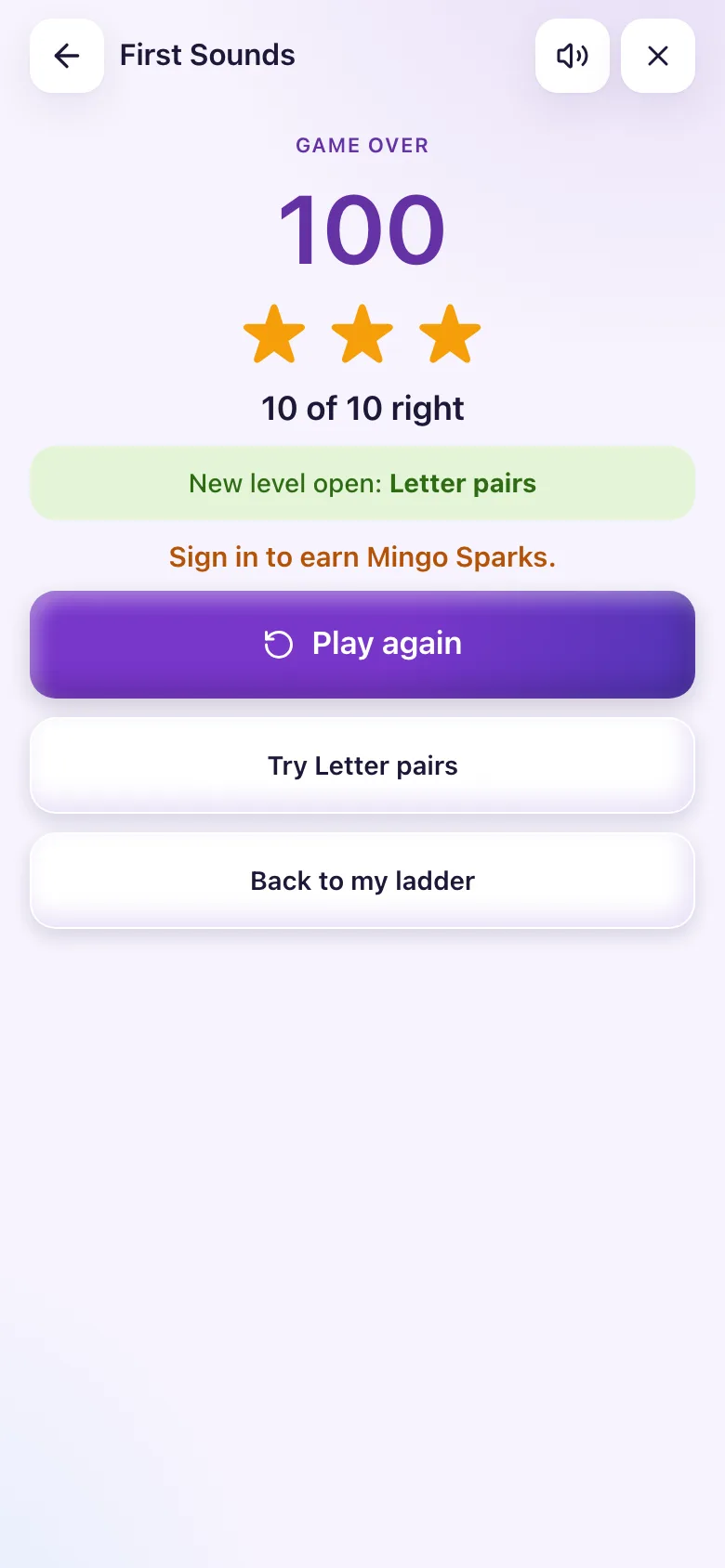
- A letter appears, such as B (or a letter pair such as CH, SH, TR from Basic 4).
- Pick the one picture whose word starts with that sound. Exactly one picture fits.
- 10 questions a game, with 4 pictures to choose from for Basic 1 to 3 and 6 for older learners.
| Class | Levels |
|---|---|
| Basic 1 to 3 | Single letters |
| Basic 4 | Single letters, then letter pairs |
| Basic 5 and 6 | Letter pairs |
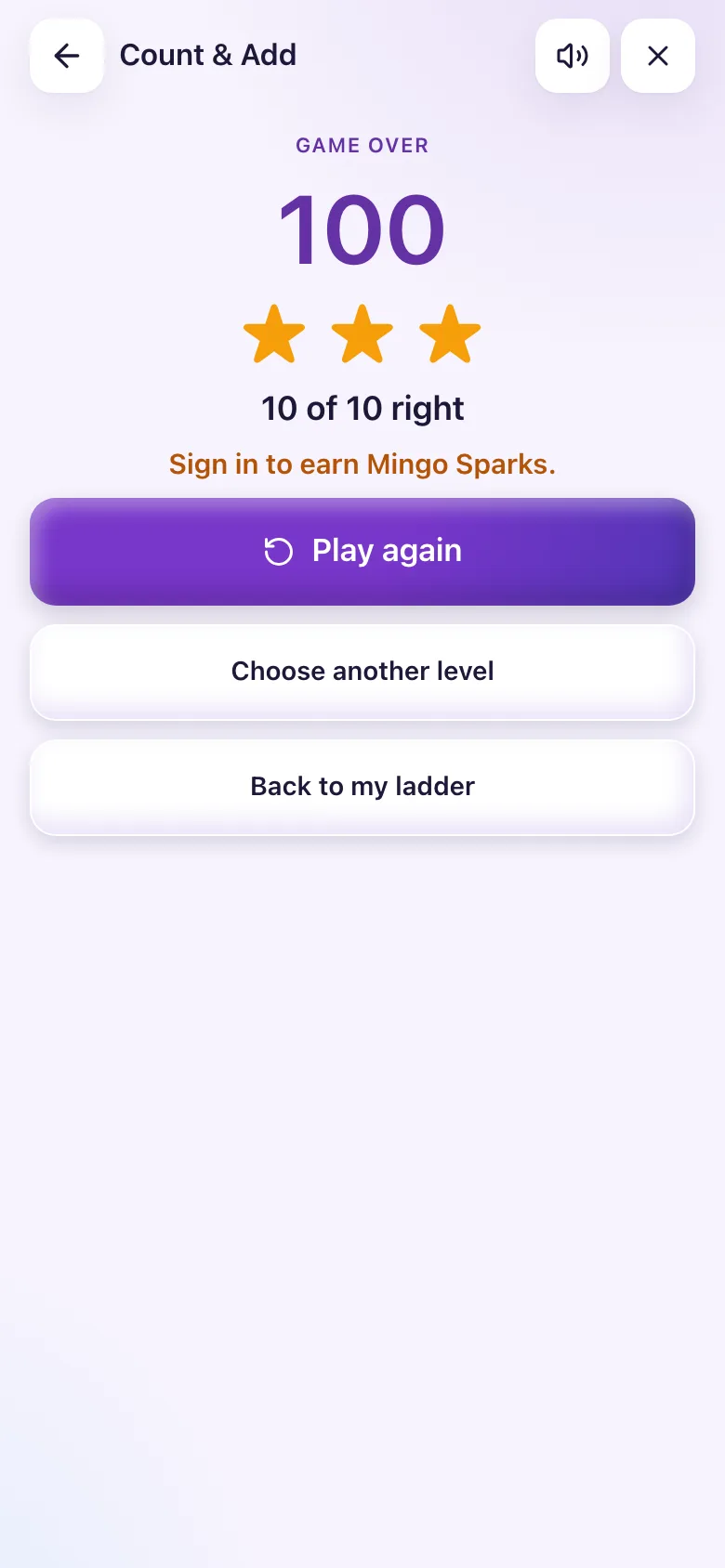
Count & Add
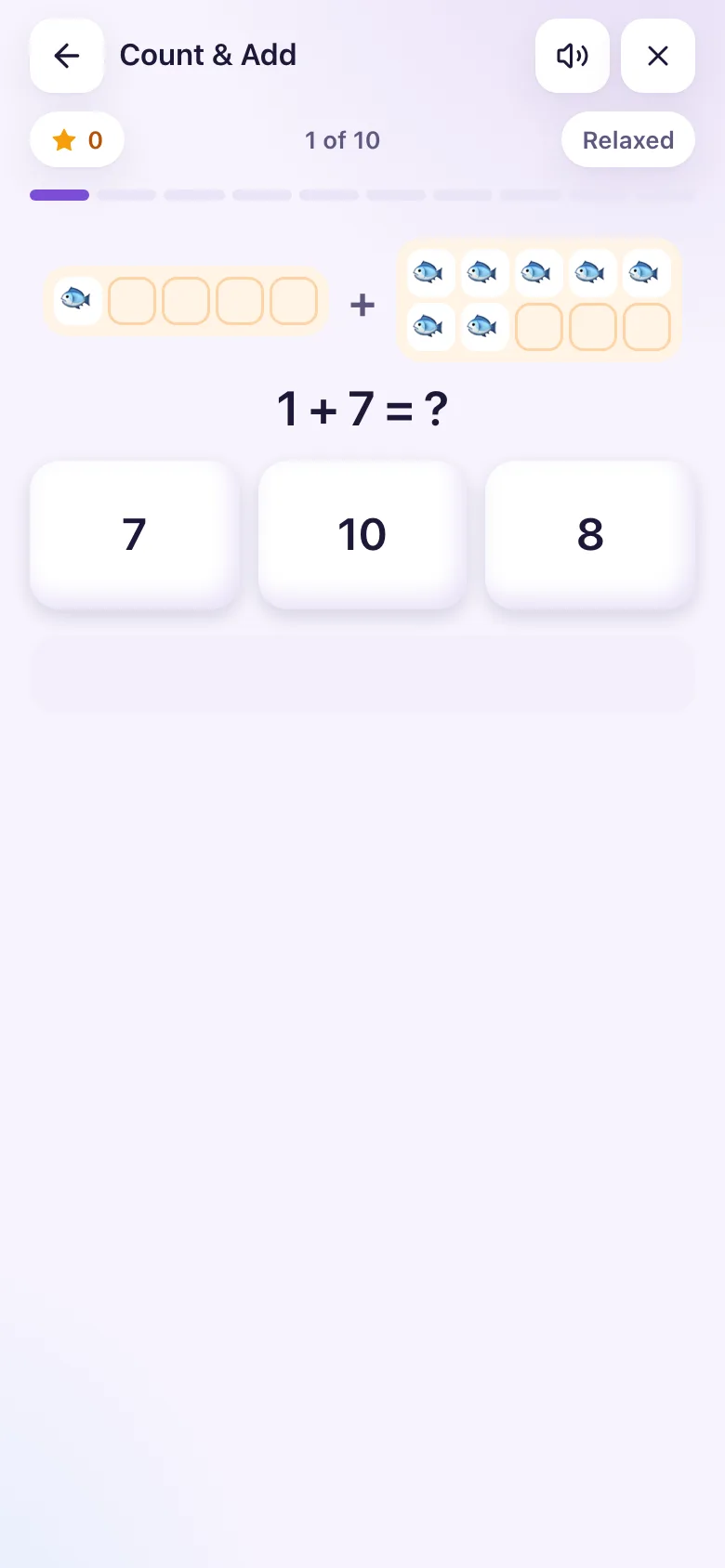
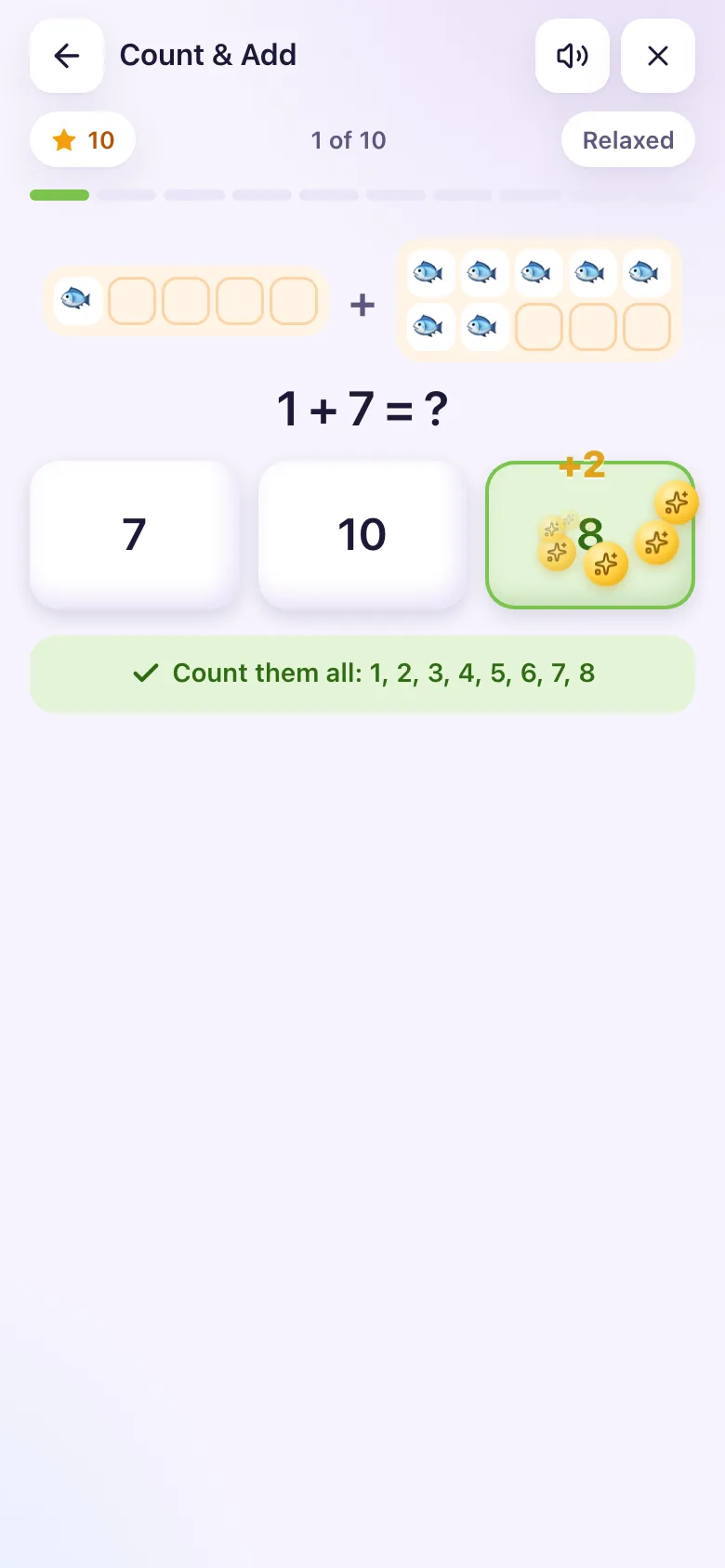
- A sum appears, such as 7 + 5 = ?. Younger classes see pictures to count; from Basic 4 the numbers stand on their own.
- Tap the answer.
- 10 questions a game.
| Class | Biggest answer (levels) |
|---|---|
| Basic 1 | up to 10 |
| Basic 2 and 3 | up to 10, up to 20 |
| Basic 4 | up to 20, up to 50 |
| Basic 5 | up to 50, up to 100 |
| Basic 6 | up to 100 |
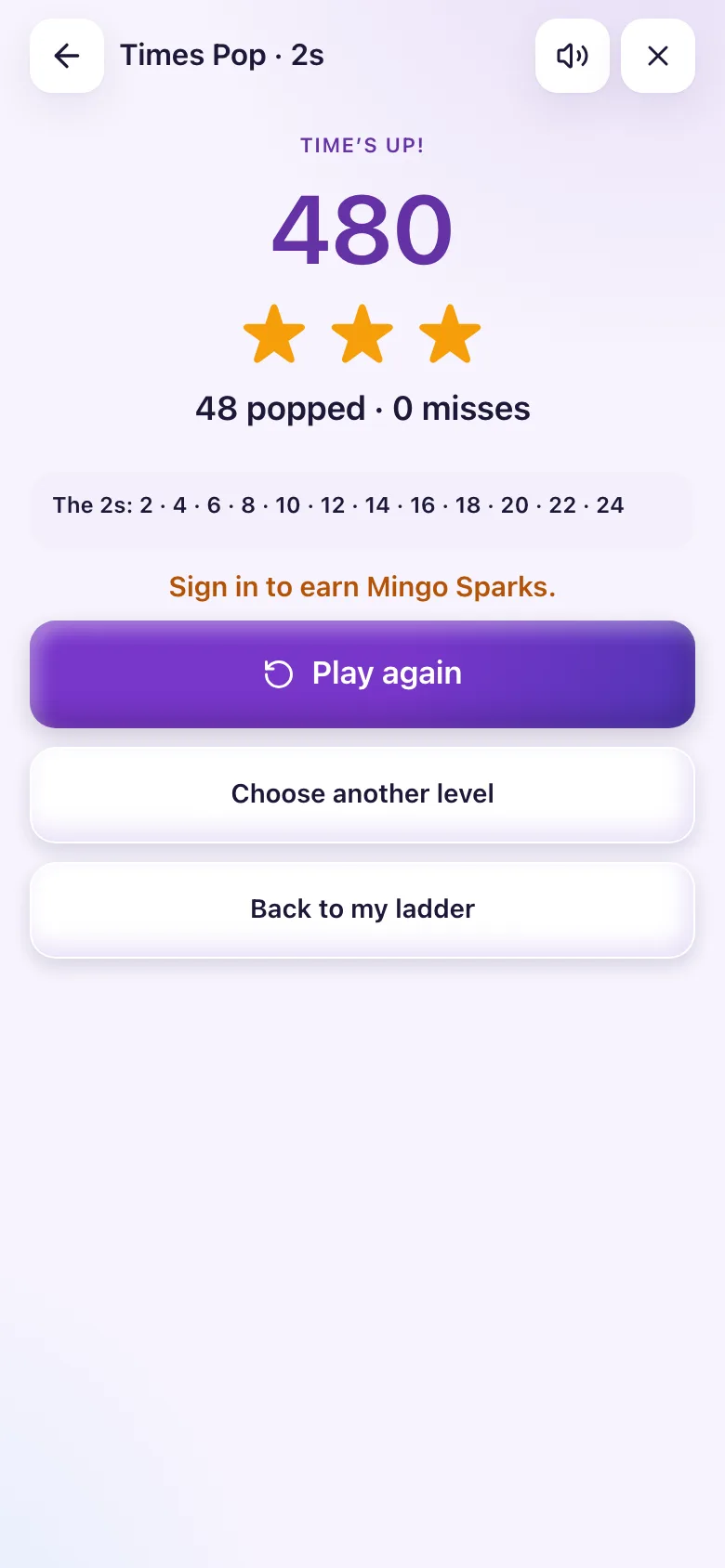
Times Pop
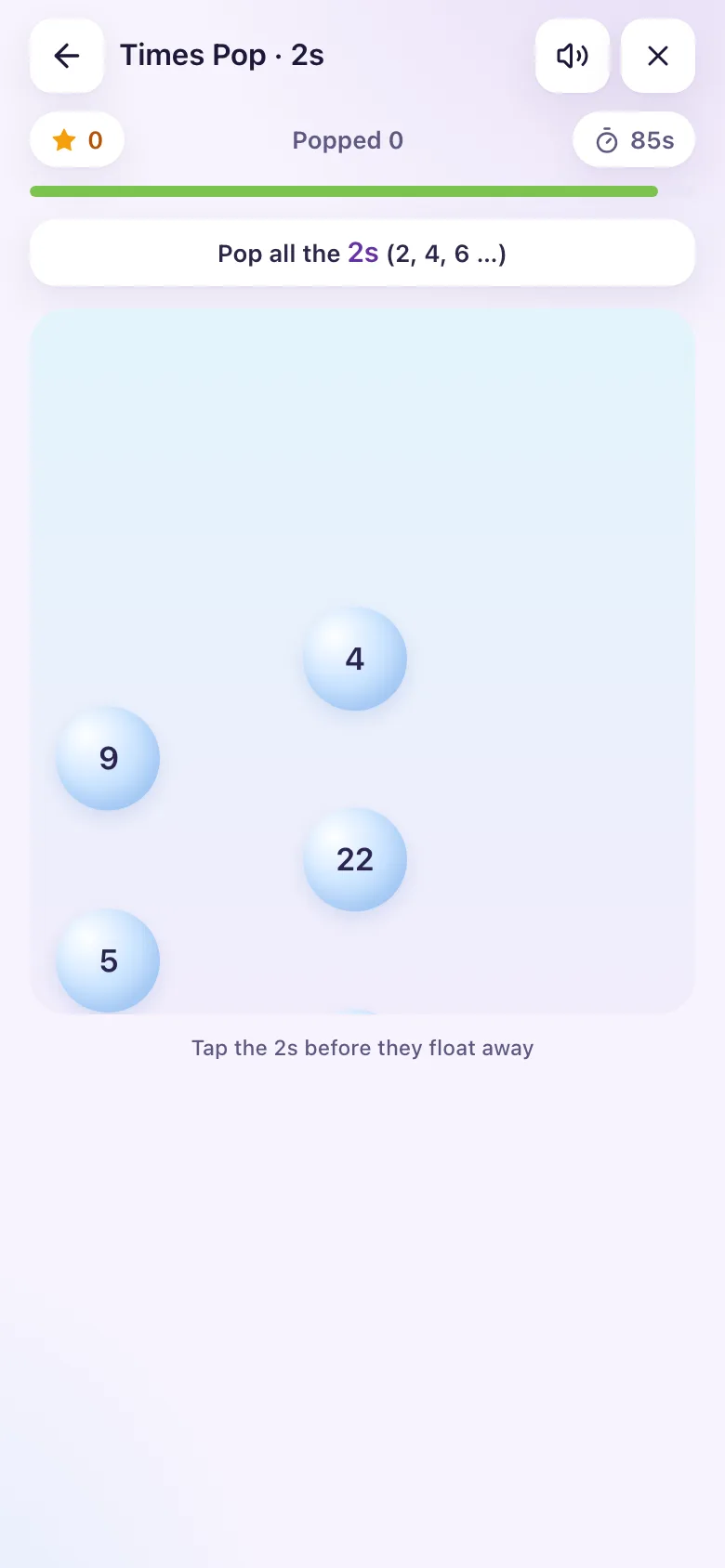
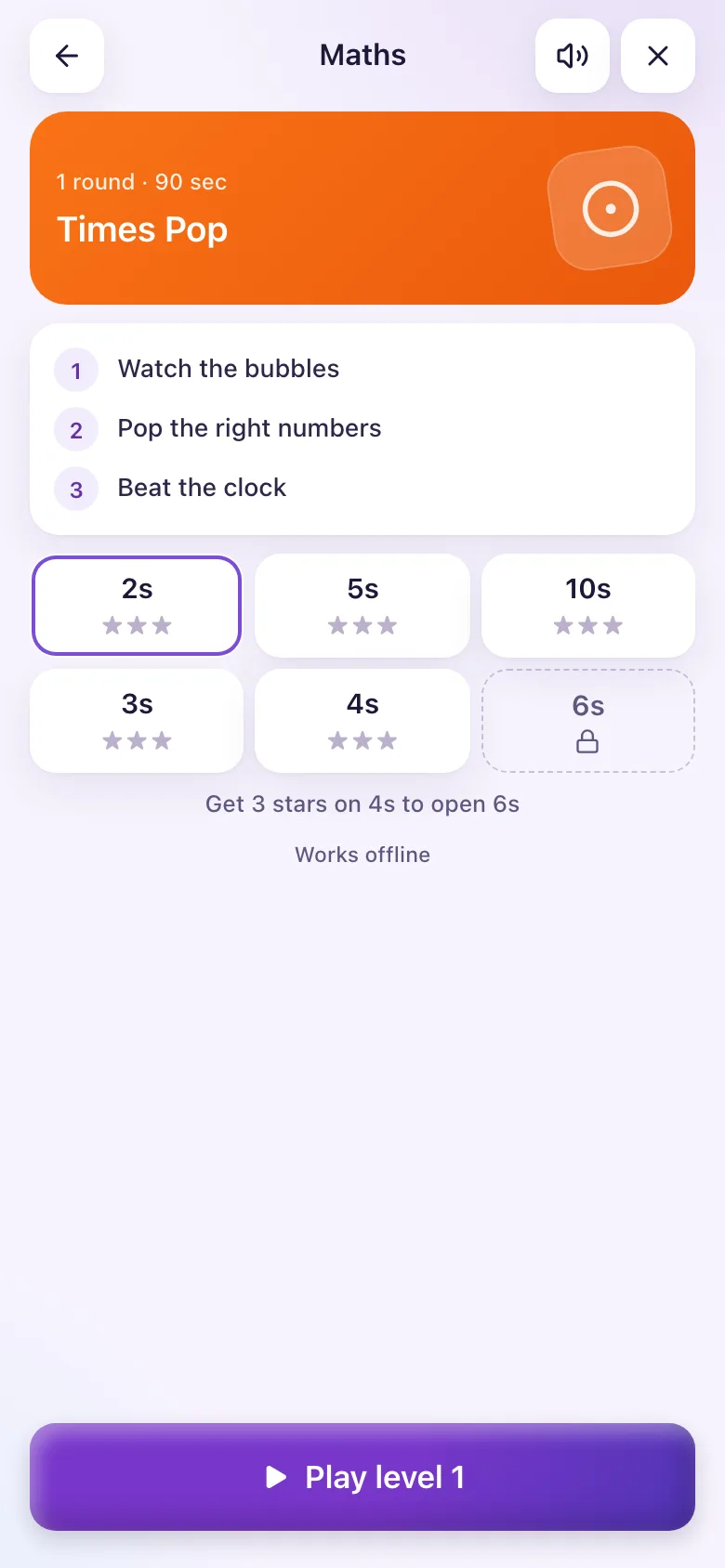
- Pick a times table, for example the 4s.
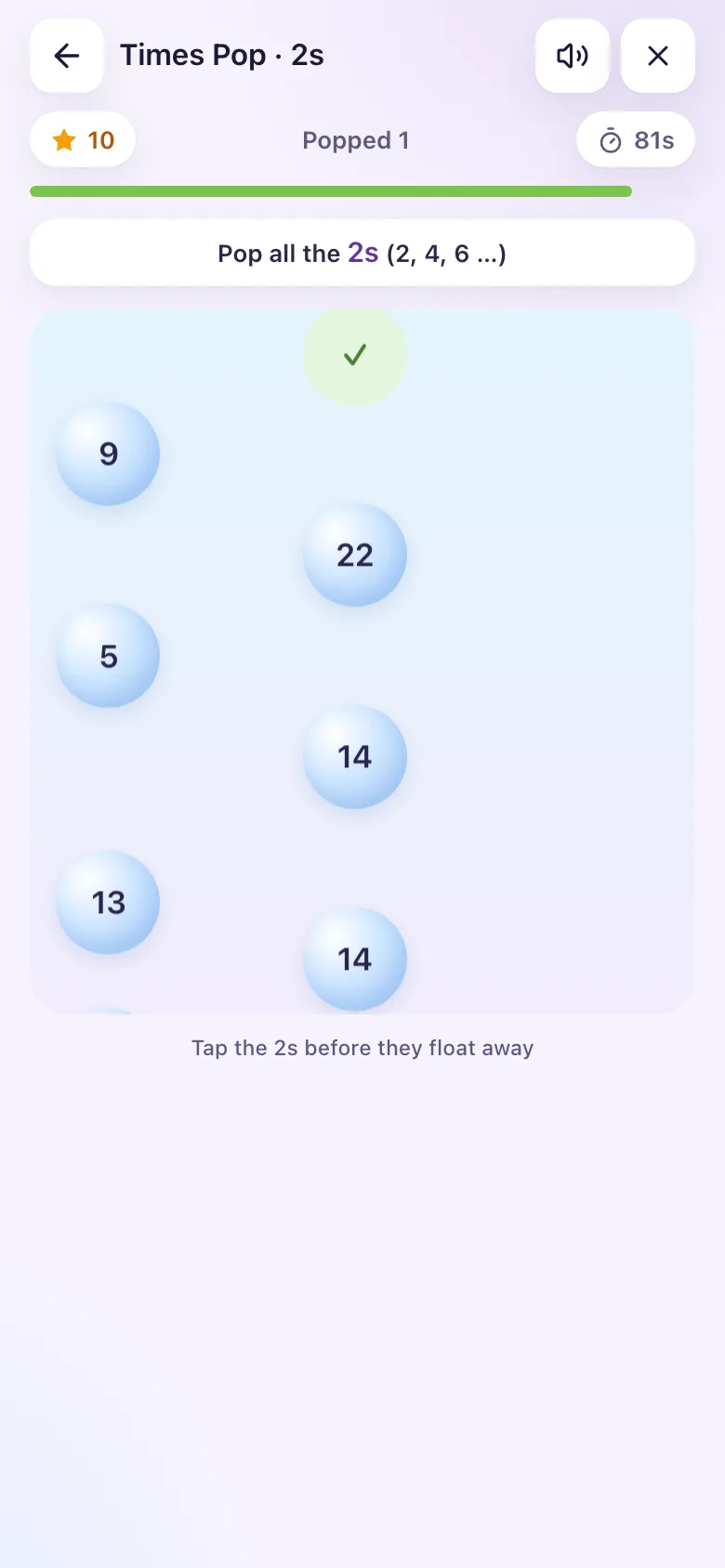
- Number bubbles float up. About half are multiples of your table.
- Pop the multiples (4, 8, 12 …) and leave the others.
- The game is one round of 60 seconds (90 for Basic 1 to 3).
Times Pop uses the same table levels as Times Fun.
Number Line
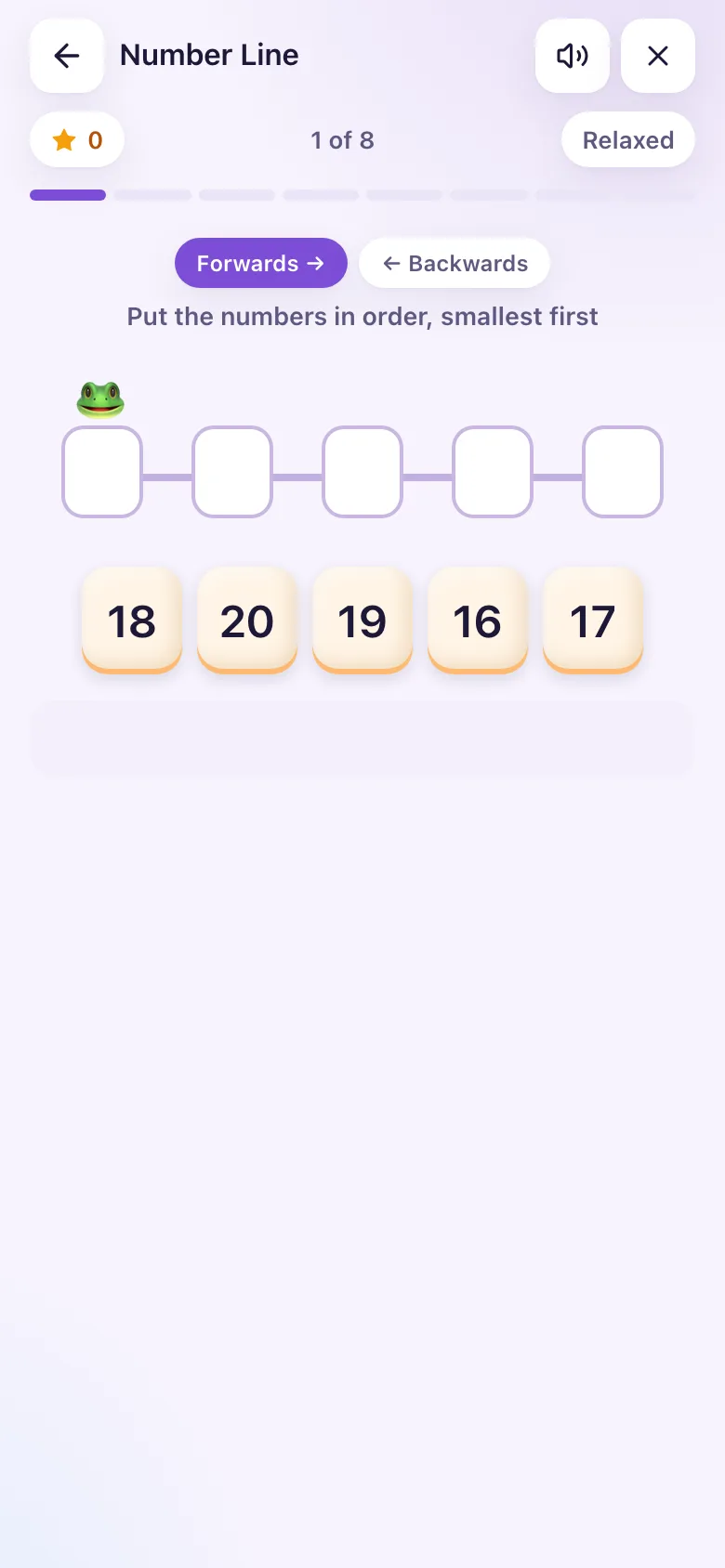
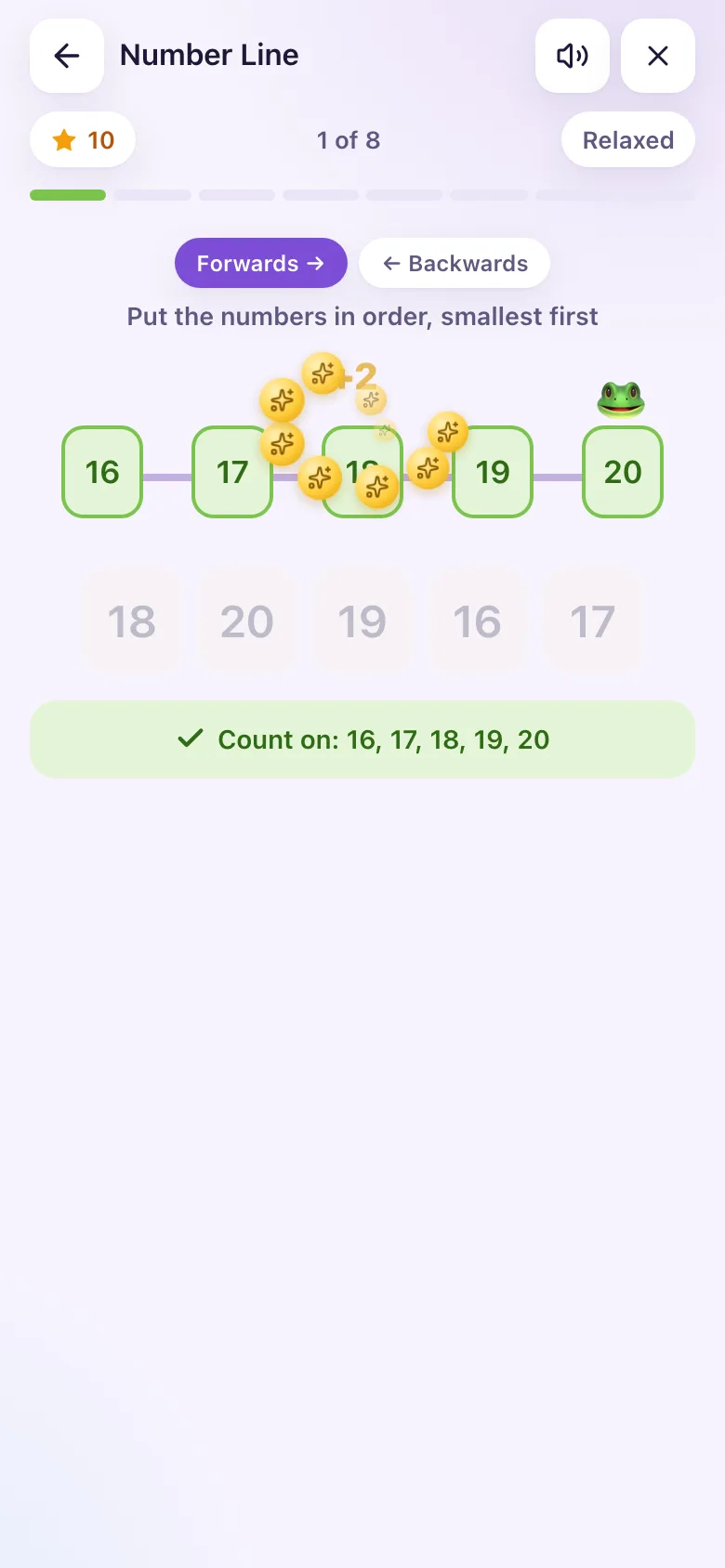
- Five number cards appear, mixed up.
- Tap them in order. Lines take turns: forwards, then backwards.
- 8 lines a game.
| Class | Levels |
|---|---|
| Basic 1 | up to 20 |
| Basic 2 | up to 20, up to 100 |
| Basic 3 | up to 20, up to 100, counting in tens |
| Basic 4 | up to 100, counting in tens |
| Basic 5 | counting in tens, numbers in the hundreds |
| Basic 6 | numbers in the hundreds, tens up to 1000 |
Sparks from quick games
The same rule as a Sprint: 2 Sparks per right answer, +1 for a quick right answer when the clock is on, inside the 60-a-day limit. You must be signed in to earn Sparks; offline games are added when you reconnect.
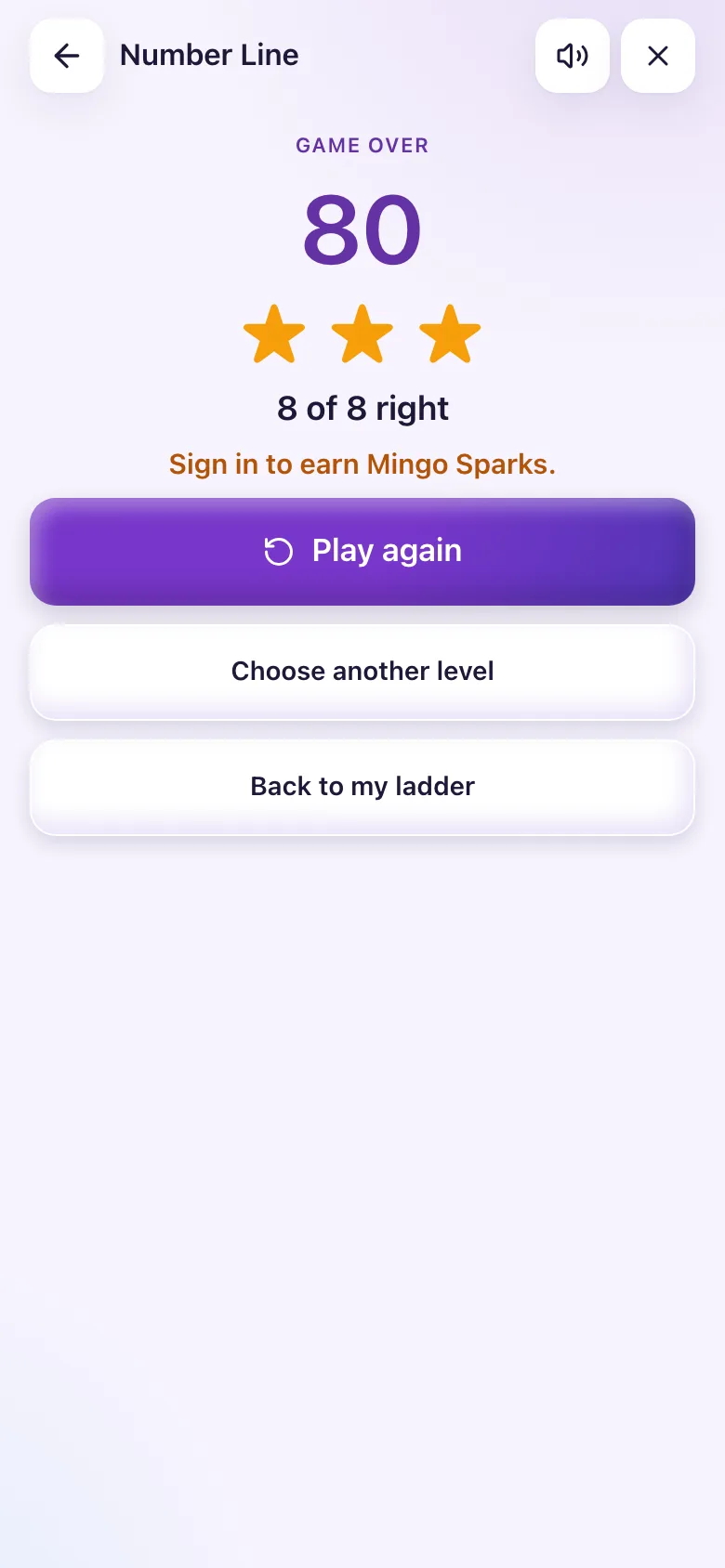
The screenshots were taken as a Basic 2 learner who is not signed in, which is why the results say "Sign in to earn Mingo Sparks".