A short quiz on the lesson section you have just studied. The questions come from that lesson itself, so a Sprint is the fastest way to check you really understood it.
How to play
- Open a lesson and finish reading (or listening to) a section.
- Tap Sprint.
- Choose your pace: Relaxed (no clock) or Beat the Clock.
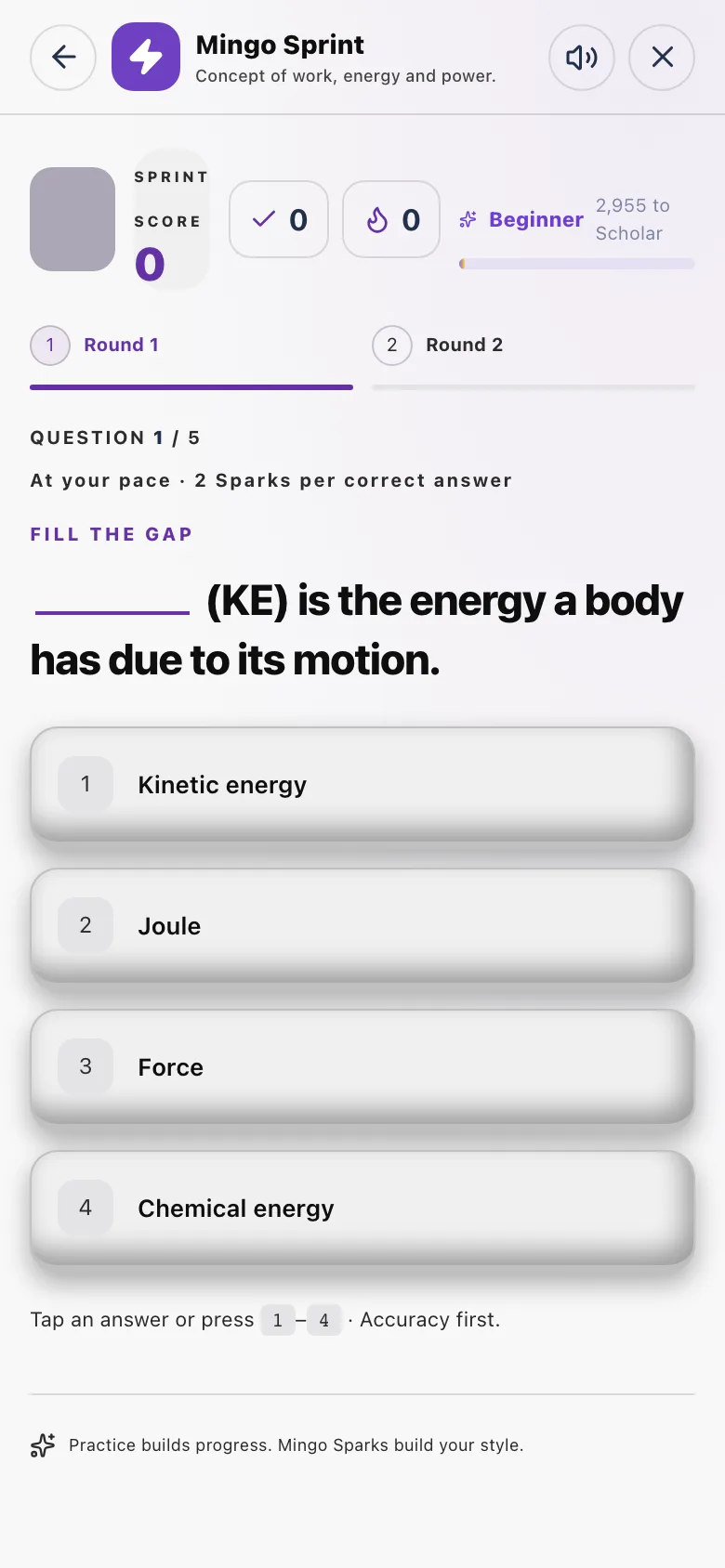
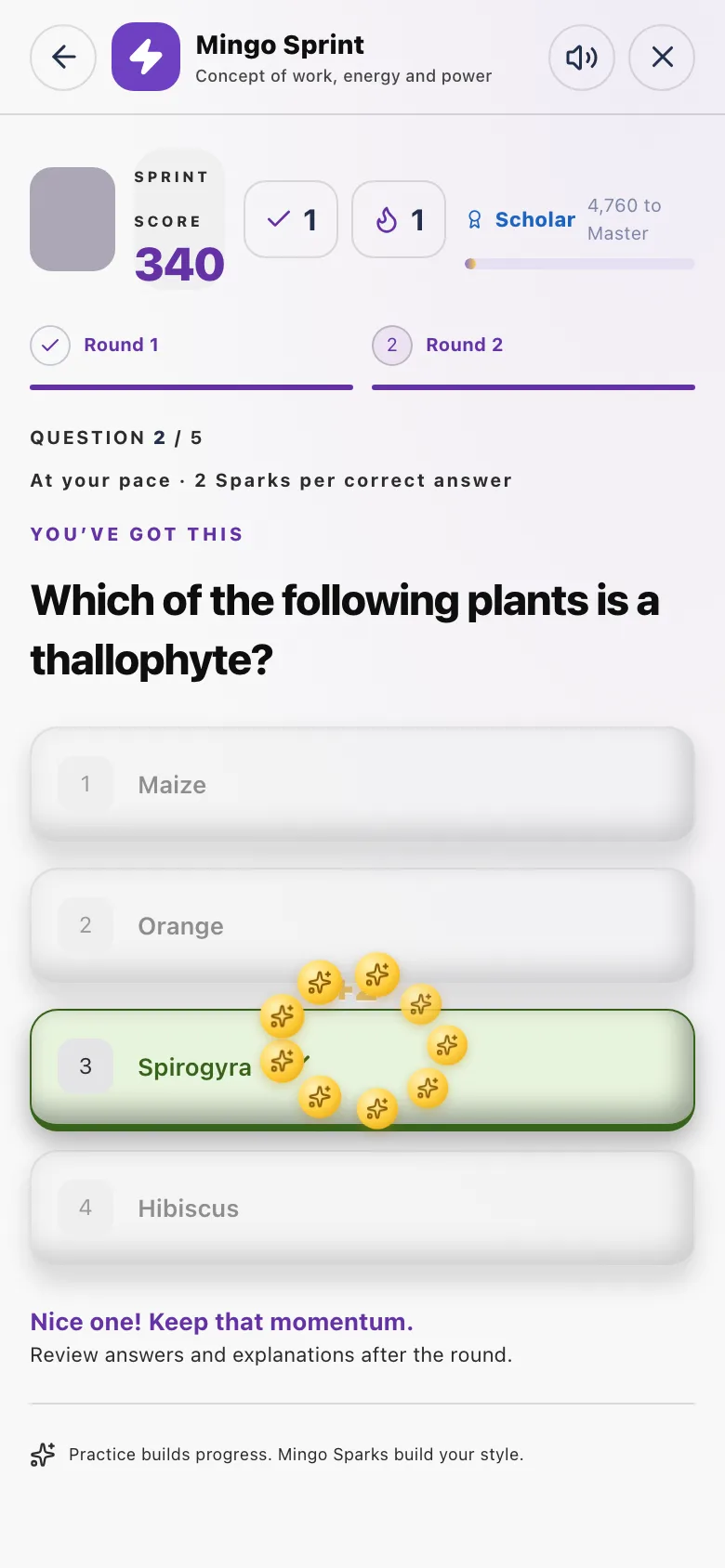
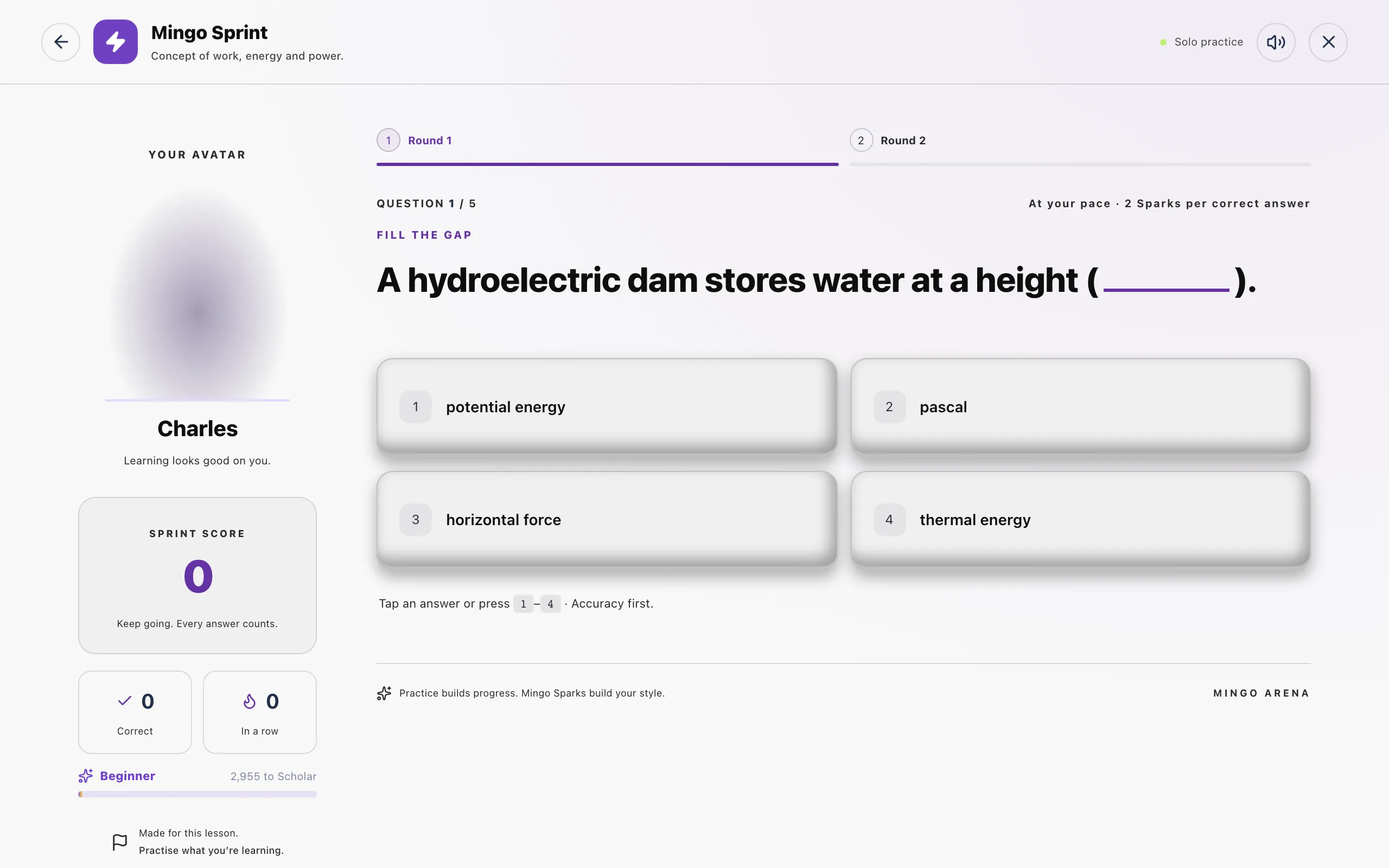
- Round 1: answer 5 questions. Each answer shows straight away whether you were right.
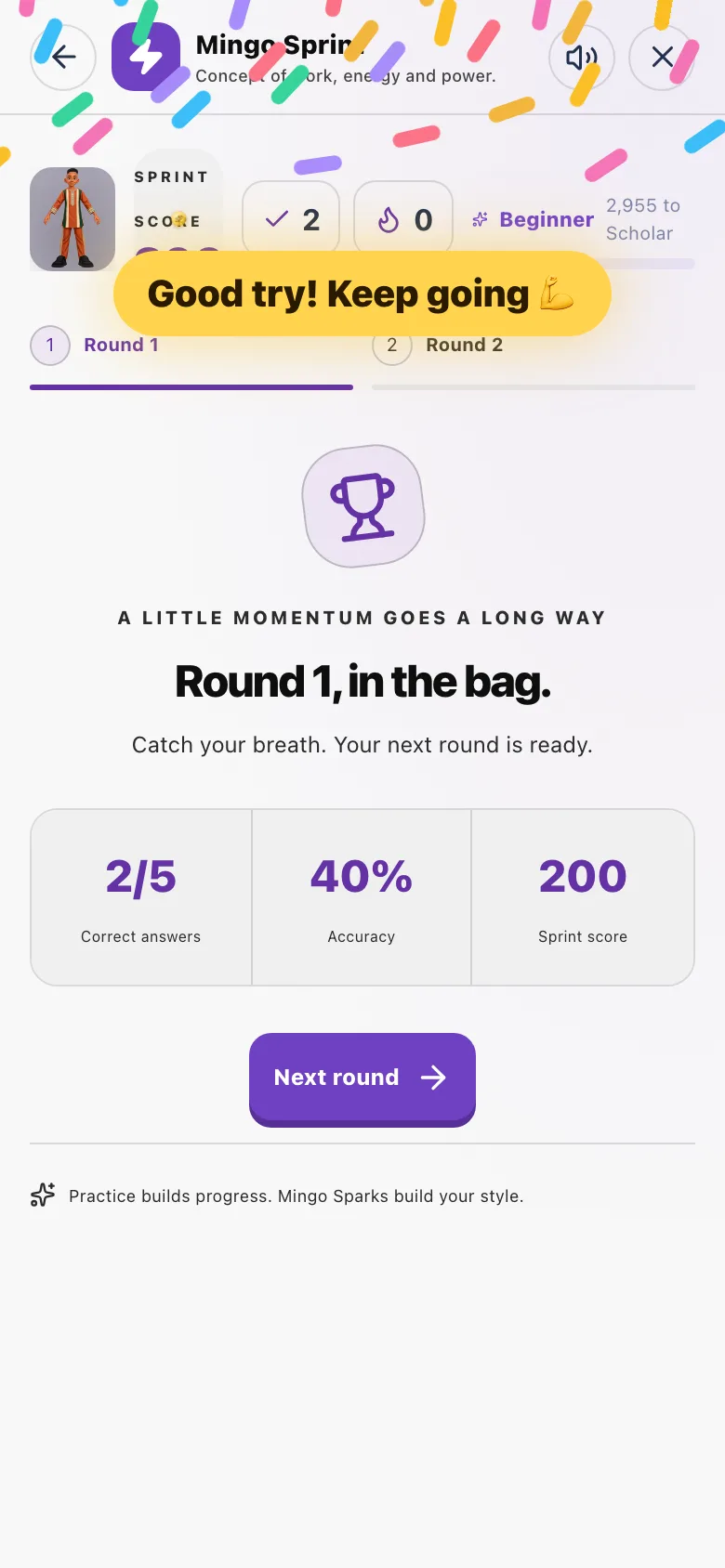
- Take a short break between rounds.
- Round 2: answer 5 more questions.
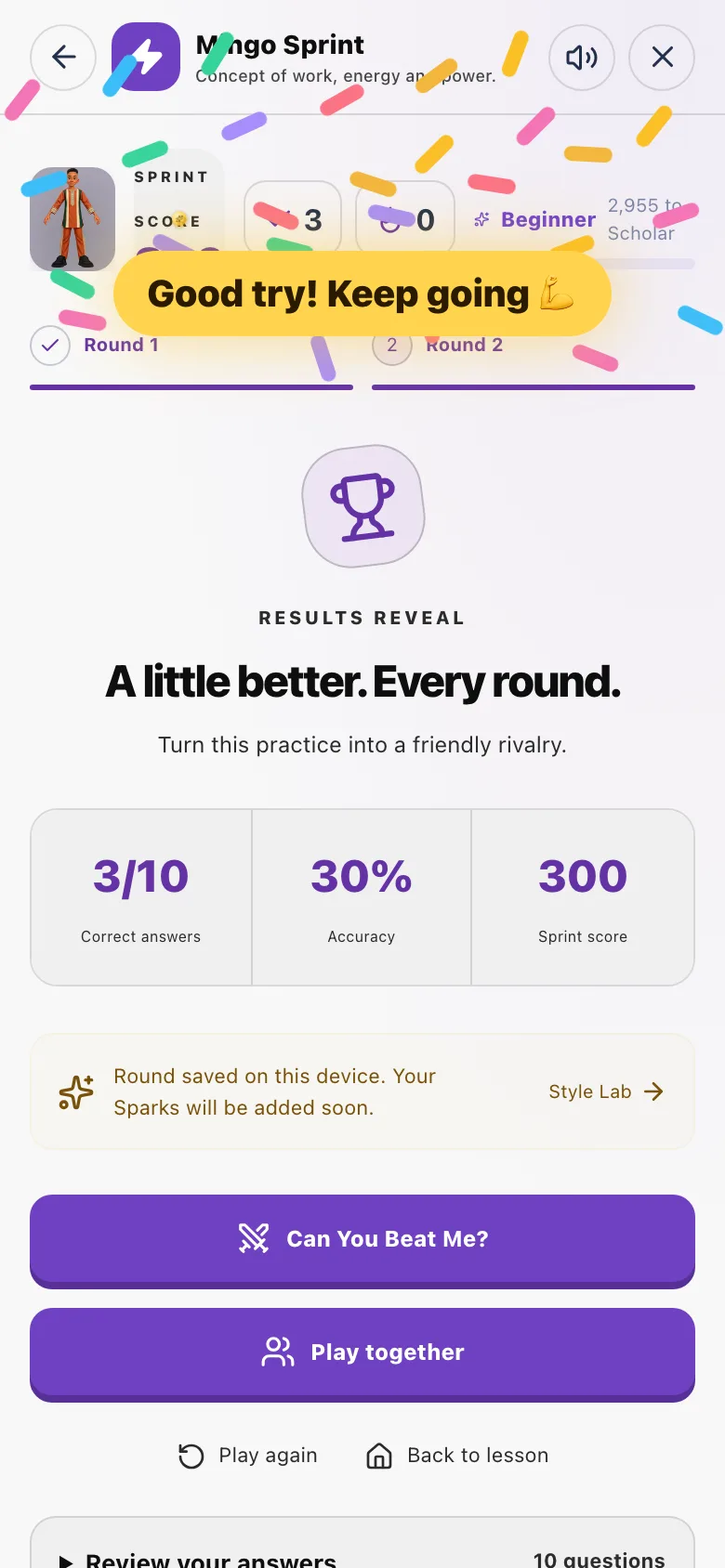
- See your report: how many you got right, your stars and the Sparks you earned.
Rounds and questions
| Who | Rounds | Questions per round | Clock |
|---|---|---|---|
| Basic 4 and up | 2 | 5 | Your choice: Relaxed or Beat the Clock |
| Basic 1 to 3 | 1 | 5 (picture-first questions) | Never; always relaxed |
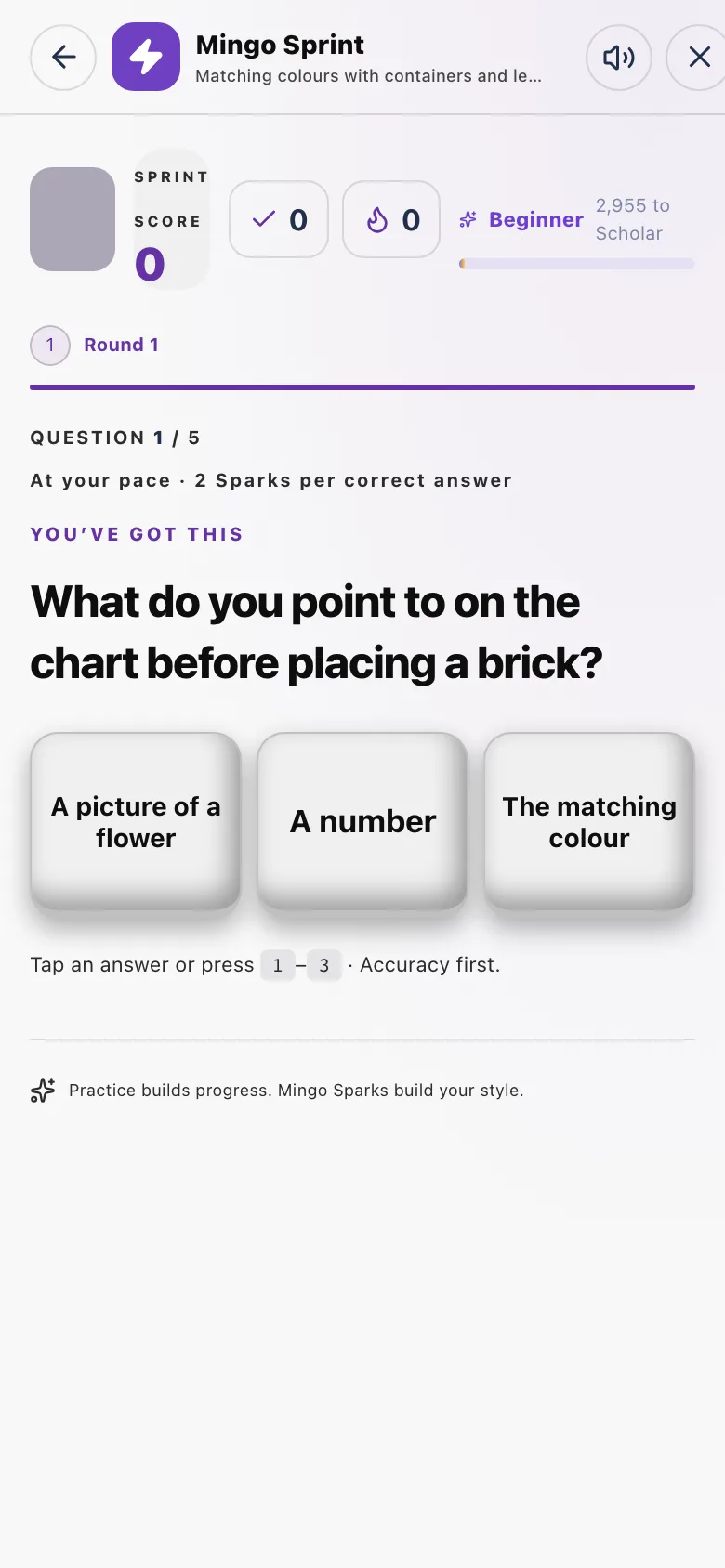
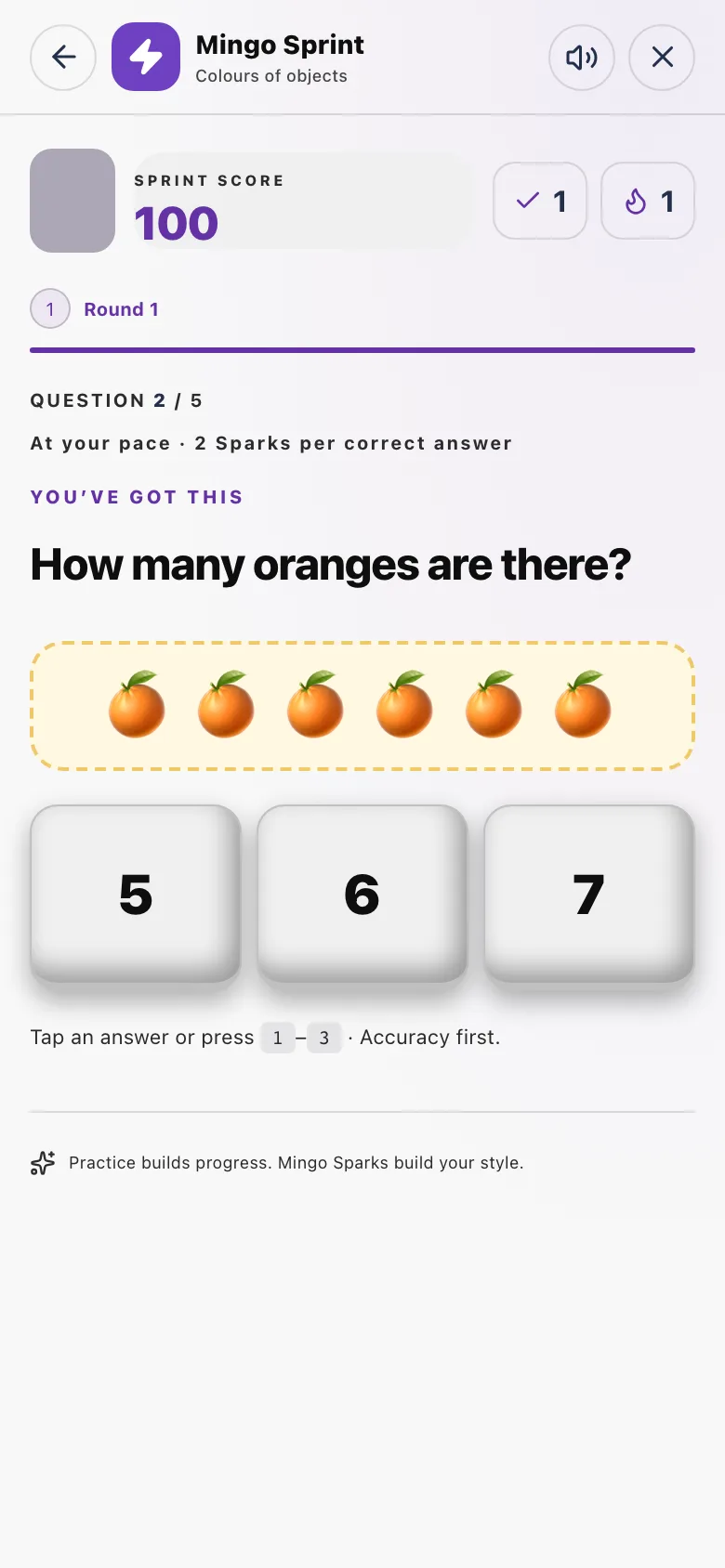
Basic 1 to 3 learners get one more go after a wrong answer, so nobody gets stuck — but only the first answer counts for the score.
Each new Sprint mixes the questions differently and avoids the ones you saw recently. When the lesson is short, older questions may come back.
Relaxed or Beat the Clock
| Relaxed | Beat the Clock | |
|---|---|---|
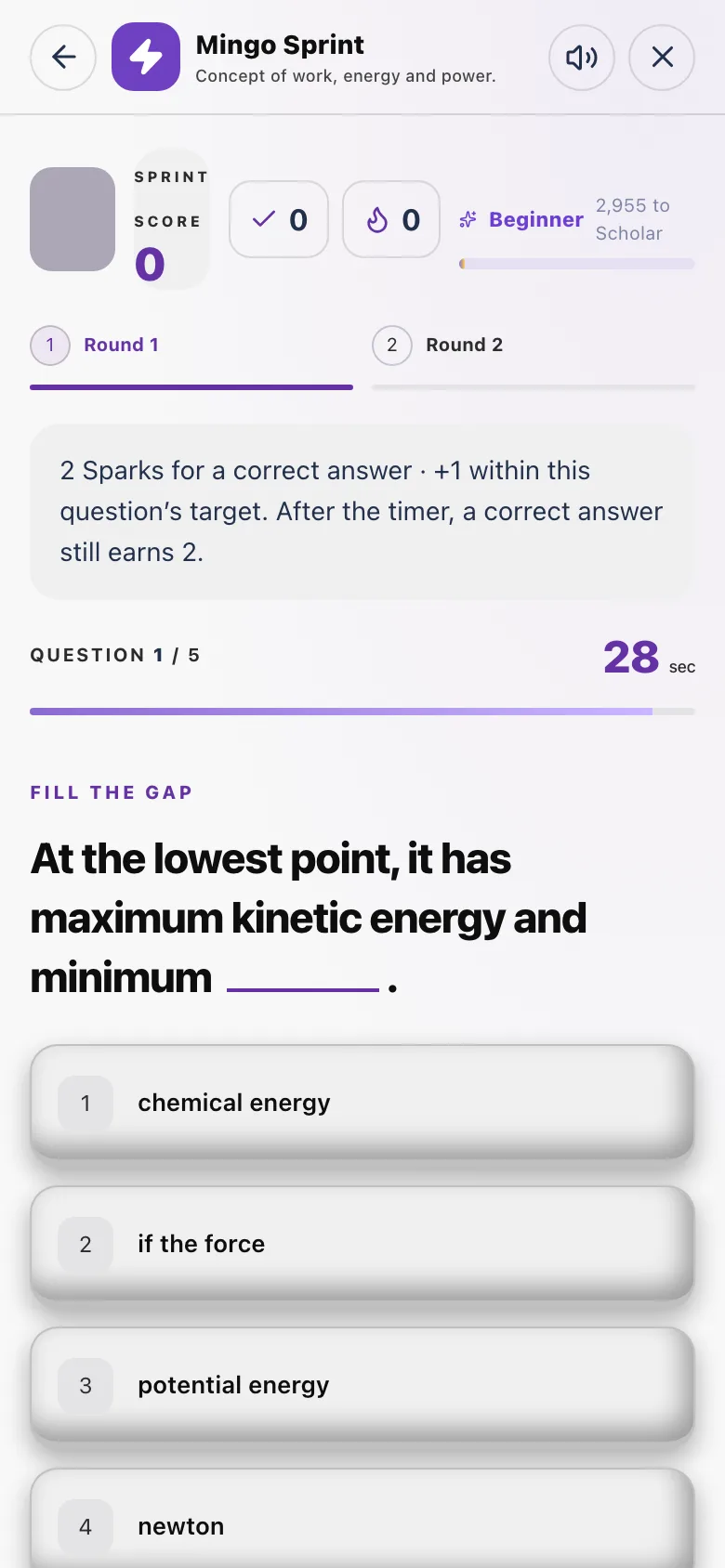
| Clock on screen | No | Yes, one per question |
| Sparks per right answer | 2 | 2 |
| Speed bonus | None | +1 Spark for each right answer given within that question's time |
How much time each question gets
The time for each question is worked out from how long it takes to read and think, so a long question gets more time than a short one:
- Count the words in the question and all its answer choices.
- Allow about 0.6 seconds per word (roughly 100 words a minute).
- Add thinking time: 8 s for an easy question, 16 s for a medium one, 28 s for a hard one (16 s if the level is not marked).
- Add 12 s more if the question asks you to explain, infer, compare, reason, analyse, asks why, or is about a passage.
- Round up. The result is never less than 15 seconds and never more than 120 seconds.
A medium question with 30 words in total gets 30 × 0.6 + 16 = 34 seconds.
Stars
| Stars | Score |
|---|---|
| ★★★ | 80% or more right |
| ★★ | 50% to 79% right |
| ★ | less than 50% right |
Three-star Sprints count towards some Mingo Ladder steps.
Sparks
- 2 Sparks for every right answer, in both paces.
- +1 Spark per quick right answer in Beat the Clock.
- Sparks count towards your daily limit of 60.
- Played offline? The round is saved on your phone and its Sparks are added when you are back online.
- Sparks are always worked out by the server from the saved answers, never from the score shown on the phone.
After a Sprint
From the report you can challenge a friend to the same lesson (see Playing with friends), open the Style Lab, or play again.